PinBoostr vs Pin Generator
PinBoostr and Pin Generator both turn your content into Pinterest pins with AI. The difference is what happens next: Pin Generator is a credit-based pin and video creator you schedule from, while PinBoostr's Growth Brain decides what to pin, generates it, and publishes safely on autopilot — on any site. Pick by whether you want a generator or an autopilot.
Written & reviewed by the PinBoostr team · updated June 2026
At a glance
PinBoostr
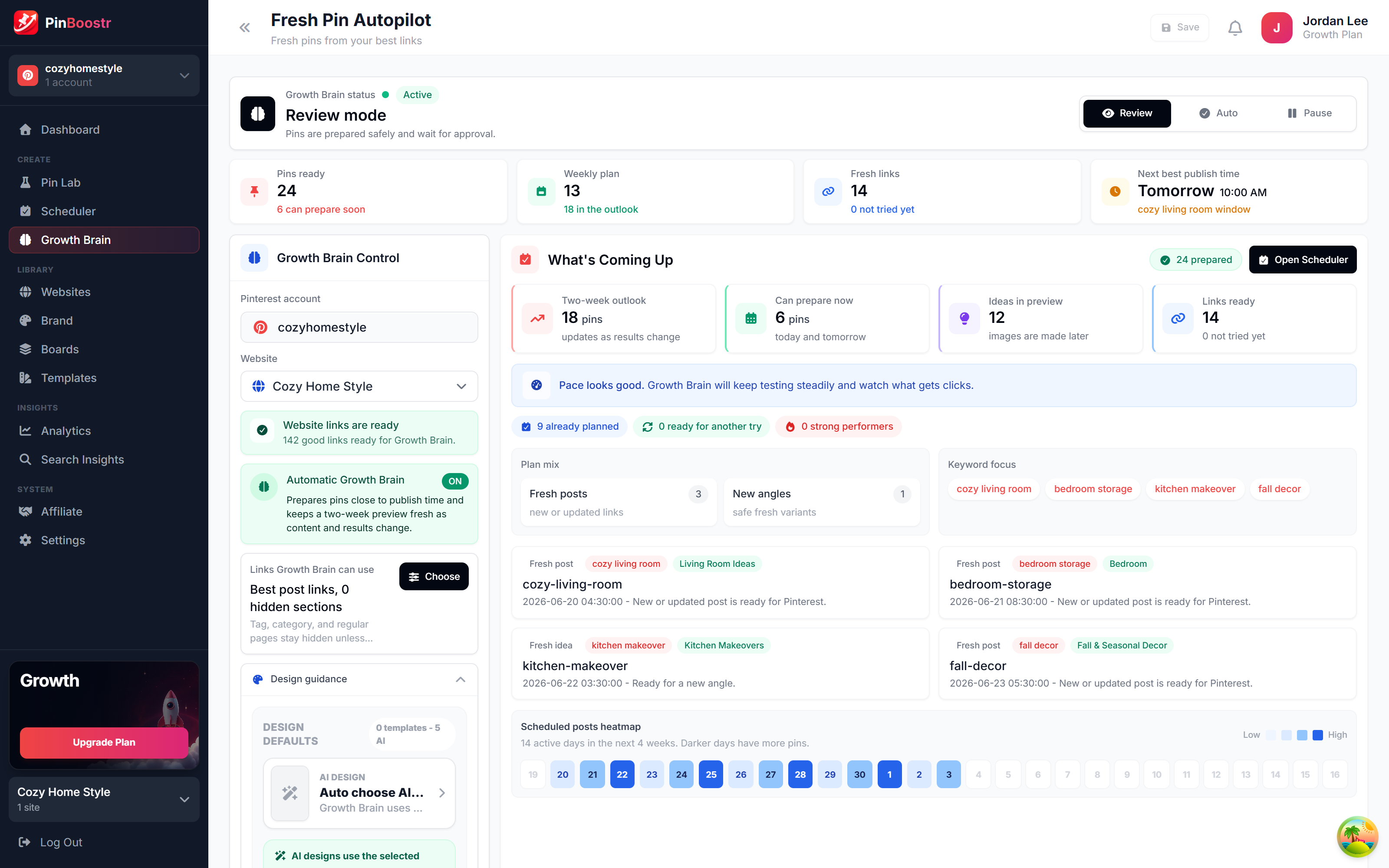
Growth Brain scores your site, generates pins, and publishes safely on autopilot — set and forget.
Pin Generator
Generates pins and videos from a URL on credit-based plans, with scheduling and Canva imports.
The short answer
Which should you choose?
Choose PinBoostr if…
- You want set-and-forget automation, not manual generating
- You want your best content pinned first, automatically
- You care about account-safety pacing
- You want it to run on any website
Choose Pin Generator if…
- You want AI video pins as well as static
- You prefer paying per batch of generations
- You want the lowest entry price
Feature by feature
PinBoostr vs Pin Generator, compared
Where each tool genuinely leads is marked on every row. Pricing is current as of June 2026.
| Where it matters | Pin Generator | PinBoostr | Leads |
|---|---|---|---|
|
AI pin creation
|
Generates pins (and video) from a URL or text. | Generates branded pins from your site, chosen by Growth Brain. | Even |
|
AI video pins
|
Yes — built-in AI video generation. | Focused on static branded pins. | Pin Generator |
|
Automation intelligence
|
You pick what to generate; each action uses credits. | Growth Brain scores your site and pins your best content first. | PinBoostr |
|
Account-safety pacing
|
Daily pin ranges set by plan. | Per-URL, per-board and per-keyword caps plus gradual account warm-up. | PinBoostr |
|
Keyword research
|
Keyword tools included. | Built-in keyword research with intent and trend signals. | Even |
|
Works with
|
Your URLs, plus Canva imports. | Any site, plus WordPress auto-sync and a one-click extension. | PinBoostr |
|
Pinterest API
|
Schedules to Pinterest. | Publishes through the official Pinterest API. | Even |
|
Entry price
|
Credit-based, from $16.99/mo. | Flat plans by pins/day, from $19.99/mo. | Pin Generator |
No clean sweep
Where each tool genuinely wins
PinBoostr wins on
- Growth Brain autopilot — pins your best content first
- Account-safety pacing and gradual warm-up
- Works with any site, plus WordPress sync and a browser extension
- Flat plans by pins per day, not metered credits
Pin Generator wins on
- AI video pin generation, not just static
- Lower entry price ($16.99/mo)
- Canva design imports
- Simple on-demand "generate now" workflow
A pin generator versus an autopilot
Pin Generator and PinBoostr start from the same promise — point them at your content and get Pinterest pins without designing each one by hand. Both use AI to build the image and the copy, and both can schedule what they make. If all you need is a fast way to spin up pins (and video) on demand, Pin Generator does that well, and it starts a little cheaper.
The difference is autonomy. Pin Generator is a creator you operate: you choose what to generate, it spends credits, and you schedule the output. PinBoostr is an engine that operates itself. Growth Brain scans your whole site, scores each page as an opportunity, generates the pins for your strongest content first, and publishes them through the official Pinterest API on a paced, account-safe schedule — with per-URL, per-board and per-keyword limits and gradual warm-up built in.
So the honest split is this: choose Pin Generator if you want an affordable, on-demand AI pin and video maker you drive yourself. Choose PinBoostr if you want a hands-off growth engine that decides what to pin, protects your account, and runs on any site — including WordPress auto-sync and a one-click browser extension.
See it in action
PinBoostr, behind the scenes
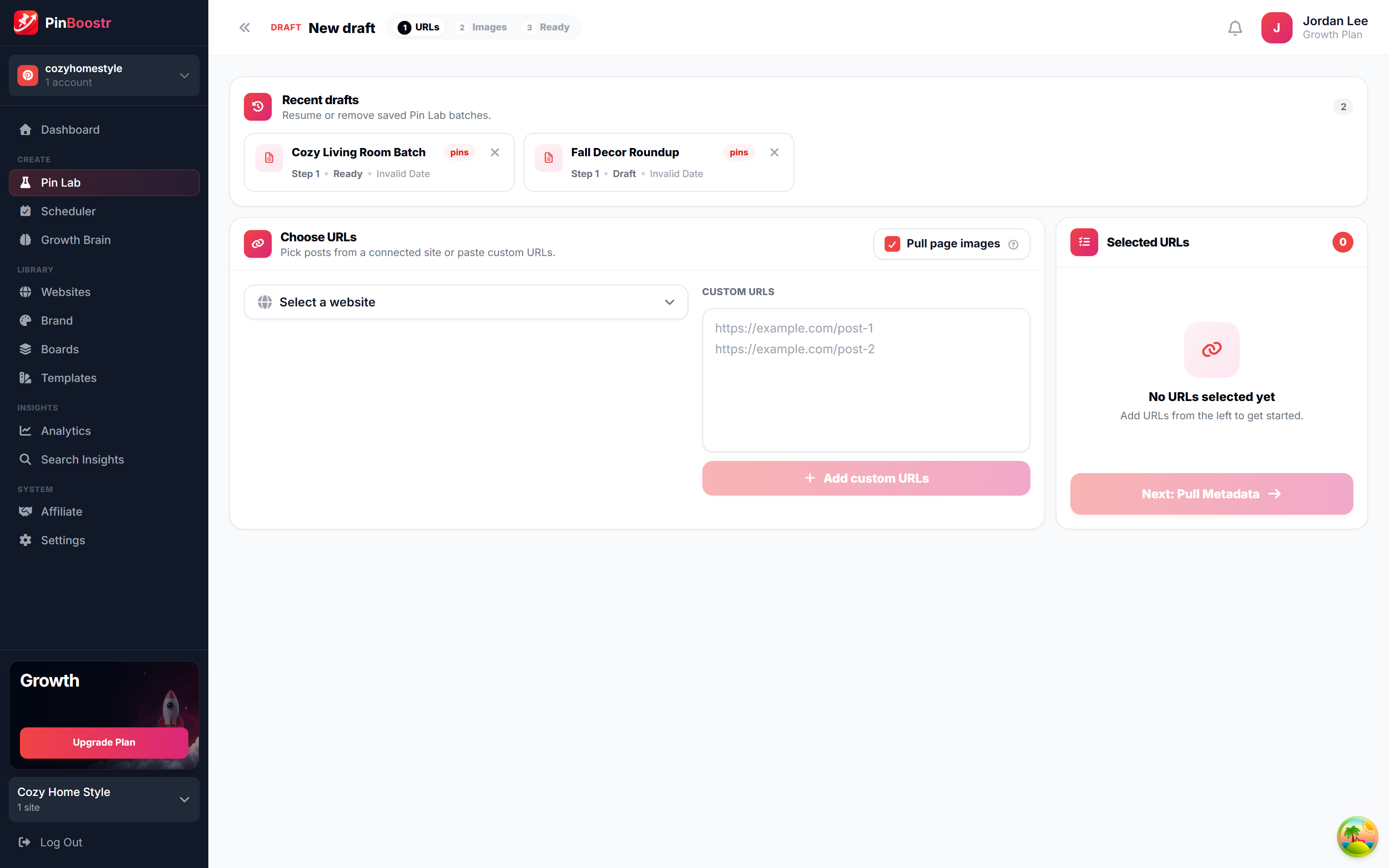
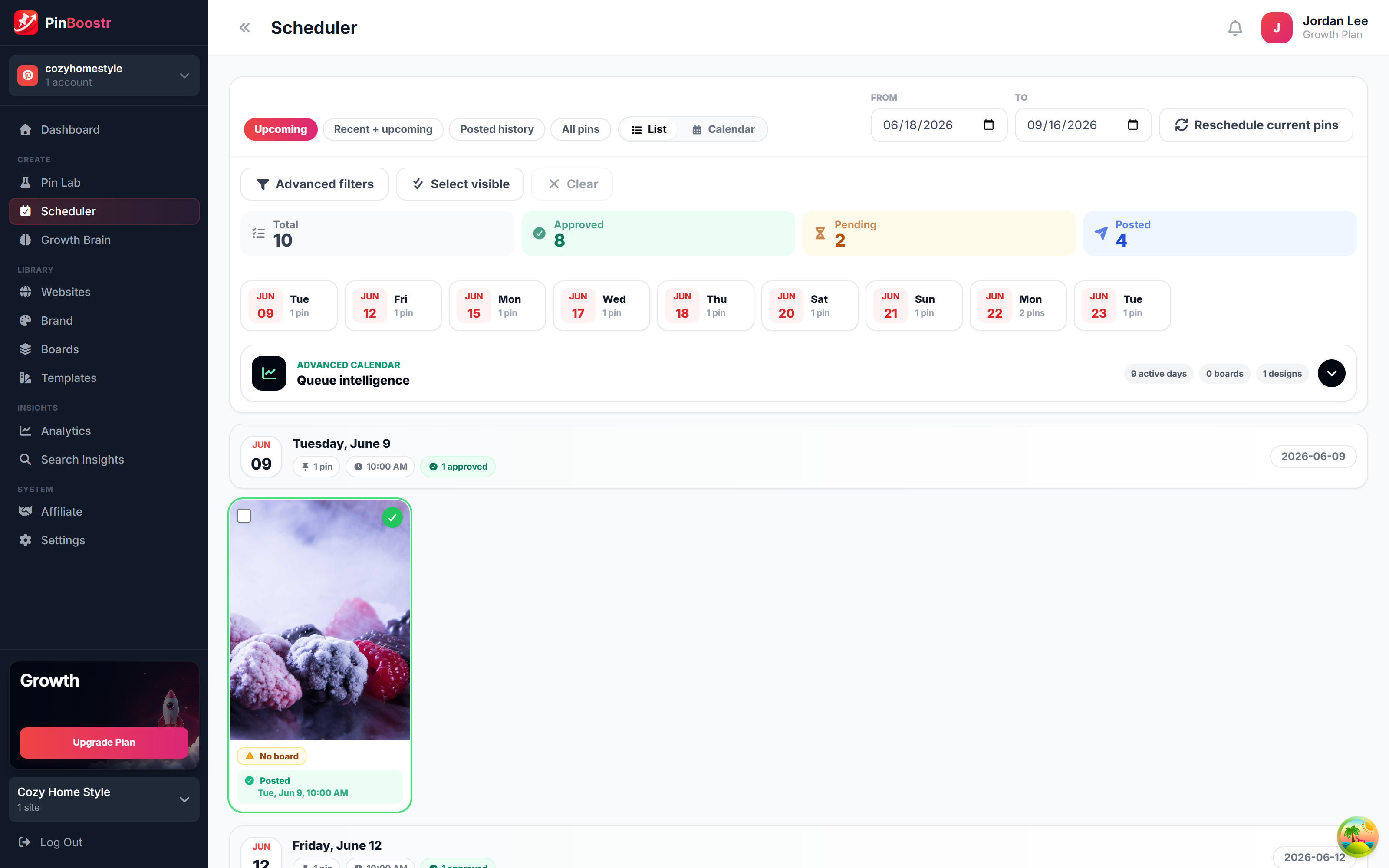
Pinterest reaches over 631 million monthly users (Pinterest, 2026). Here is how PinBoostr helps you reach them — create, schedule, and grow, automatically.
PinBoostr vs Pin Generator FAQ
Is PinBoostr or Pin Generator better?
They suit different needs. Pin Generator is an affordable, credit-based AI tool for creating pins and videos on demand. PinBoostr is an intelligent automation engine — its Growth Brain decides what to pin, generates it, and publishes safely on autopilot. Choose by whether you want a generator you operate or an autopilot that runs itself.
Does Pin Generator make videos?
Yes. Pin Generator includes AI video pin generation in addition to static pins, which is a genuine strength if video is part of your Pinterest strategy. PinBoostr focuses on branded static pins generated automatically from your content.
Which is cheaper?
Pin Generator starts lower at $16.99/mo on a credit-based model, while PinBoostr starts at $19.99/mo with flat plans measured in pins per day and includes the full Growth Brain engine. With credits, heavy use can cost more; with flat plans, your output is predictable.
Does PinBoostr work without a website?
PinBoostr works with any website, syncs WordPress posts automatically, and offers a one-click browser extension to turn any page into a pin. Both tools are built around turning existing content into pins.
Is PinBoostr safe for my Pinterest account?
Yes. PinBoostr publishes through the official Pinterest API and Growth Brain enforces pacing, per-URL/board/keyword caps, and gradual account warm-up. See our guide on whether Pinterest automation is safe for the full picture.
Keep comparing
Related PinBoostr comparisons
Best Tailwind Alternatives
The 7 best Tailwind alternatives for Pinterest, compared.
Read comparisonPinBoostr vs BlogToPin
Intelligent automation vs a simple pin generator.
Read comparisonPinBoostr vs Tailwind
A Pinterest specialist vs a multi-platform suite.
Read comparisonPinBoostr vs Buffer & Later
Pinterest-native AI pins vs general schedulers.
Read comparisonPinBoostr vs Planoly
Pinterest-native creation vs a visual multi-platform planner.
Read comparisonPinBoostr vs Pinclicks
Create & publish pins vs research and rank-tracking.
Read comparisonPut your Pinterest growth on autopilot
Let PinBoostr generate your pins, optimize the keywords, and publish through the official Pinterest API — set it once and let it run.
Try PinBoostr freeNo credit card required.