List and calendar views
See every pin by day or as a list: upcoming, recent, posted or all, with a date range and a design filter.
PinBoostr is a Pinterest scheduler for bloggers and shops. It turns your posts into fresh pins, places a week of them in paced time slots, and waits for you to approve them. Approved pins publish through the official Pinterest API, spaced per link, board and day.
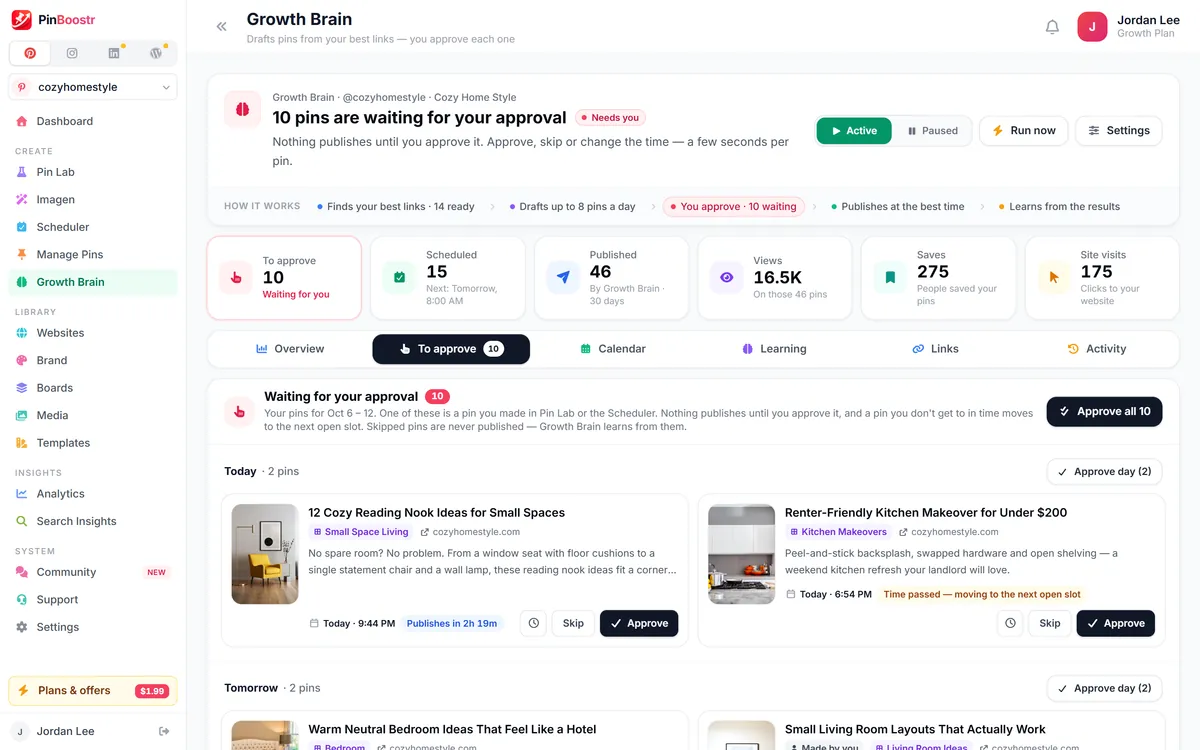
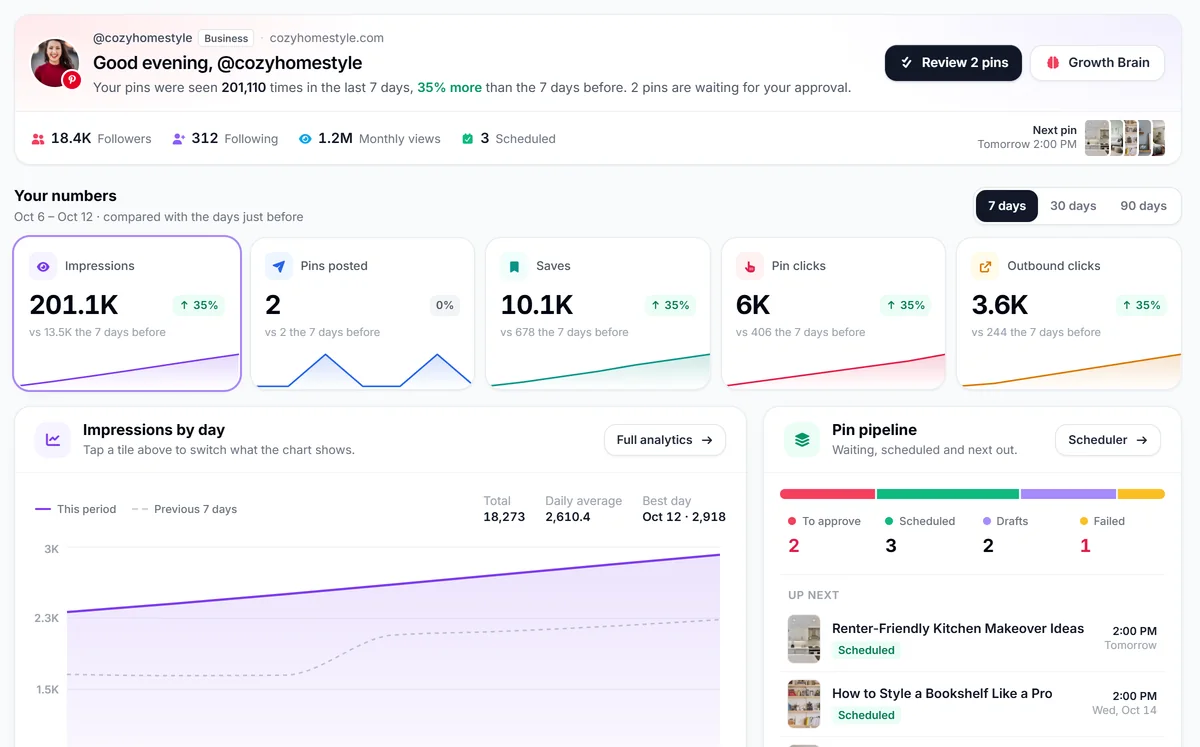
One review session a week replaces a little pinning every day. The steady pace Pinterest likes happens on its own.
Add your website and PinBoostr reads its sitemap, or pick posts, paste links or upload a CSV. The WordPress plugin and the Chrome extension send pages in as you publish or browse.
Fresh pins wait in your queue, each in its time slot with a suggested board. Edit, skip or approve them one by one, a day at a time, or the whole week at once.
Approved pins go out through the official Pinterest API at your account’s best hours, spaced per link, board and day. A pin you do not get to in time moves to the next open slot.
Most schedulers wait for you to design and write every pin. This one starts from your pages.
Growth Brain prepares a week ahead from your best links. You see every pin with its time, board and words, and decide what goes out.
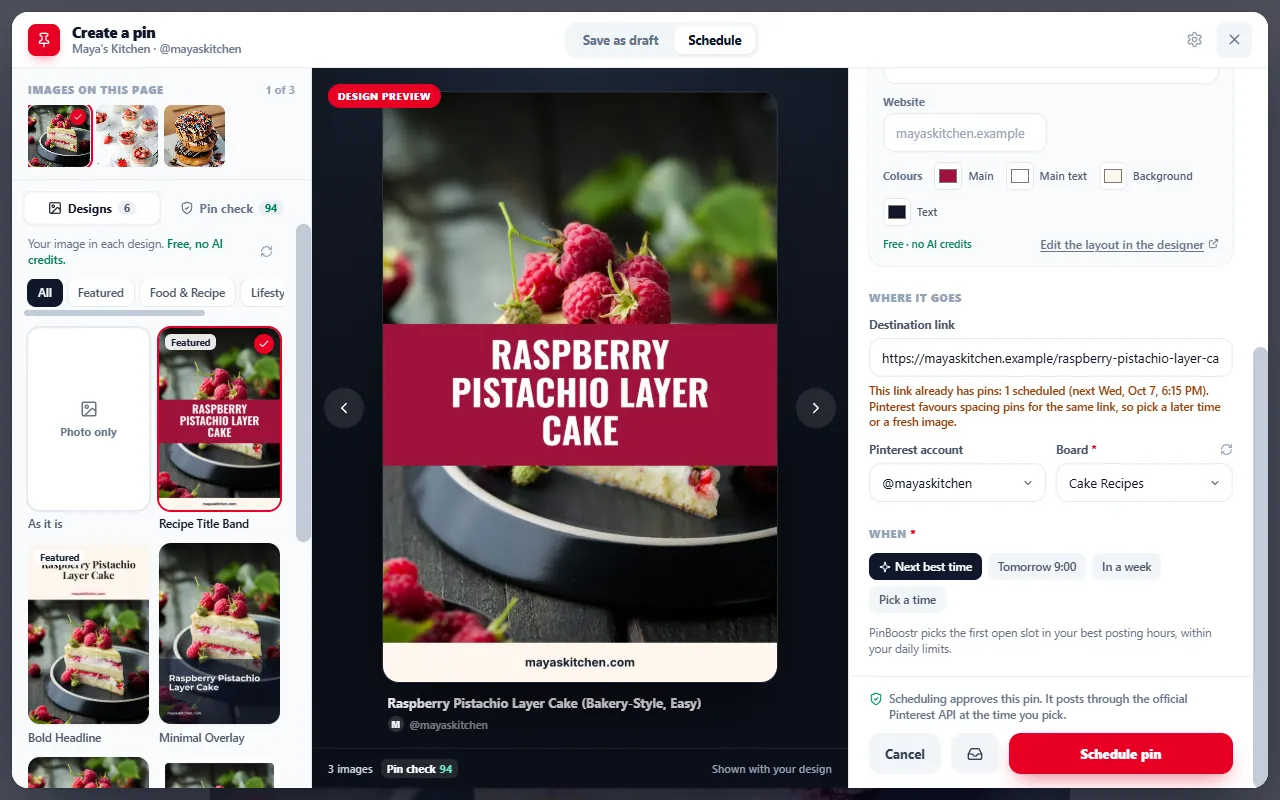
Open the composer on a blog post or product page, pick the image and the design, and let PinBoostr take the next best time slot, or pick a time yourself.
Bursts of pins to one link look like spam. PinBoostr spreads them out for you, and slows down when something looks wrong.
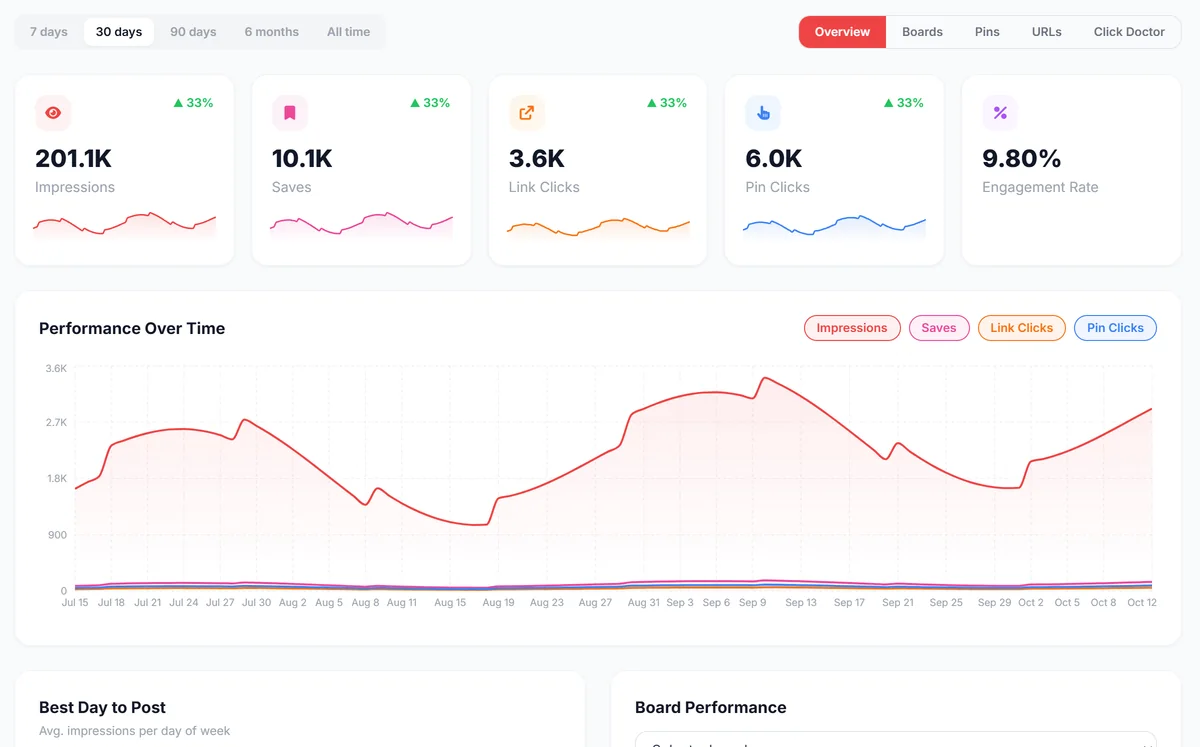
See every pin by day or as a list: upcoming, recent, posted or all, with a date range and a design filter.
Pause, retry, delete or change the design of up to 1,000 pins at once. Delete from PinBoostr only, or from Pinterest too.
Upload up to 500 rows of links, titles, descriptions, boards and dates, and review them as a batch of draft pins.
Pinterest's own reason is kept for every failed pin. Read it, fix the cause and retry, or let PinBoostr retry it for you.
Every pin gets a suggested board. Switch between your connected Pinterest accounts from one dashboard.
With the free WordPress plugin, new and updated posts reach PinBoostr seconds after you publish them.
If you already design every pin yourself, Pinterest’s free scheduler may be all you need. PinBoostr is for when making and pacing the pins is the part that takes the time. Comparing more tools? See the best Pinterest scheduling tools.
 PinBoostrMakes, paces and schedules PinBoostrMakes, paces and schedules |
Pinterest schedulerSchedules the pins you made | |
|---|---|---|
| Made for | Keeping a steady flow of fresh pins from your own website, week after week. | Scheduling the pins you have already made, one at a time or from a CSV. |
| Making the pins | Designs pins from your pages in your brand colours and fonts, with titles and descriptions written for search. | You upload your own image and write your own text. |
| Pacing | Spaced for you per link, board and day, and eased when your reach drops. | Up to you. |
| Approval | PinBoostr prepares; you approve each pin, a day or a week at a time. | You create each pin yourself. |
| How far ahead | Across the dates you choose; Growth Brain keeps about a week ready for review. | Up to 30 days ahead, and up to 200 pins from a CSV. |
| Accounts | Three Pinterest accounts on the Growth plan, from one dashboard. | The account you are signed in to. |
| Price | Free plan with 20 pins a month; paid plans from $19.99 a month. | Free. |
| Start free |
Scheduling never uses credits. Daily limits are shared across your connected accounts. See full pricing.
Cost, approval, daily limits and account safety, answered plainly.
Yes. Pinterest has a free built-in scheduler for pins you make yourself, and PinBoostr has a free plan for 1 Pinterest account and 1 website with 20 pins a month, plus 30 AI text credits and 5 AI images to start. Paid plans start at $19.99 a month for up to 15 pins a day.
Only the pins you approve. PinBoostr prepares fresh pins and places them in time slots, you approve them one by one, a day at a time or a week at once, and only approved pins publish through the official Pinterest API. Skipped pins are never published.
Up to 15 a day on Starter and 30 a day on Growth, counted across all your connected accounts. Growth Brain starts new accounts lower, at two or three a day, and raises the pace as your pins earn clicks, because a steady rise looks natural to Pinterest.
Scheduling through the official Pinterest API is allowed, and PinBoostr is built to keep your account in good standing: pins are paced per link, board and day, and posting eases when reach drops. No tool can promise an account will never be reviewed, so we never claim that.
Yes. The Growth plan connects three Pinterest accounts and three websites, and every pin gets a suggested board on the account you choose. The daily pin limit is shared across your accounts.
Pinterest's scheduler publishes pins you have already designed and written. PinBoostr also makes them: it reads your pages, designs fresh pins in your brand, writes the copy for search and spaces everything out, and you approve the result.
PinBoostr keeps Pinterest's reason for every failed pin, retries it when the cause is temporary, and moves unposted pins to a replacement board if a board was deleted on Pinterest. Your approvals are never changed by a retry.
Add your website on the free plan and see the first pins PinBoostr prepares from your own posts. Nothing publishes until you approve it.
PinBoostr is an independent product and is not affiliated with Pinterest, Inc.