Limited-time offer Starter for $1.99 your first month, then $19.99/mo Claim offer
Roundup by the PinBoostr team · updated June 2026

Best LinkedIn Scheduling Tools (2026)

The best LinkedIn scheduling tools in 2026 are PinBoostr (free, official API, also does Pinterest), Taplio (biggest feature set), AuthoredUp (best analytics and previews), Buffer (simplest multi-network), Typefully (best writing experience), Hootsuite (agencies) and LinkedIn's own scheduler (free baseline). The most important difference is not features — it is whether a tool publishes through LinkedIn's official API or drives your browser.

Disclosure: PinBoostr is our product, so we are not a neutral reviewer. Competitor details come from their public sites; check current terms before you buy.

Our 2026 ranking

LinkedIn
  1. 1 PinBoostr Best free option Top pick
  2. 2 Taplio Biggest feature set
  3. 3 AuthoredUp Best previews + analytics
  4. 4 Buffer Simplest multi-network
  5. 5 Typefully Best writing experience
  6. 6 Hootsuite Best for agencies
  7. 7 LinkedIn native scheduler Free baseline

The quick verdict

Best LinkedIn Scheduling Tools at a glance

Before you compare features, check the method. Tools that publish through the official LinkedIn API are the supported path; tools that automate your logged-in browser session are the category LinkedIn restricts accounts for. The Method column below is the one that matters most.

Our pick

PinBoostr

Best free option

Taplio

Biggest feature set

AuthoredUp

Best previews + analytics

Buffer

Simplest multi-network

Typefully

Best writing experience

Hootsuite

Best for agencies

LinkedIn native scheduler

Free baseline

Side by side

Best LinkedIn Scheduling Tools compared

Pricing is current as of June 2026.

Tool Best for Method Starts at Free
PinBoostr Pick Best free option Official API Free in beta Every account
Taplio Biggest feature set API + extension $39/mo 7-day trial
AuthoredUp Best previews + analytics Extension $19.99/mo 14-day trial
Buffer Simplest multi-network Official API $5/channel Free plan
Typefully Best writing experience Official API $12.50/mo Free plan
Hootsuite Best for agencies Official API $99/mo 30-day trial
LinkedIn native scheduler Free baseline Native Free Built in
Our recommended pick

1. PinBoostr

Best free option

Free in beta · Every account

PinBoostr publishes to LinkedIn through the official API with a single posting permission and no browser extension. You write by hand or draft with AI in your own voice, design carousel decks in a built-in studio, and schedule everything into posting-time slots on a calendar. It is the only tool here that also runs a full Pinterest engine from the same dashboard.

Best for: Creators and small teams who want scheduling, carousels and AI drafting without a browser extension touching their account — and anyone already publishing to Pinterest.

Pros

  • Free for every account while LinkedIn is in beta
  • Official API only — no extension, no auto-connecting
  • Carousel studio with PDF export built in
  • Pinterest and LinkedIn in one dashboard

Cons

  • LinkedIn module is in beta
  • Personal profiles only, not company pages
  • No engagement or lead-database features by design
Start with PinBoostr free

2. Taplio

Biggest feature set

$39/mo · 7-day trial

Taplio is the most complete LinkedIn growth suite: scheduling, an AI writer trained on viral posts, a carousel maker, a large post inspiration database, a lead database and a Chrome extension for engagement.

Best for: Creators treating LinkedIn as their primary growth channel who want every feature in one place and accept the extension.

Pros

  • Enormous feature set
  • Strong inspiration and viral-post database
  • Built-in lead finder and CRM

Cons

  • Most expensive here at $39/mo
  • Chrome extension performs actions LinkedIn discourages
  • Users report warnings tied to the engagement features
Read the full PinBoostr vs Taplio comparison

3. AuthoredUp

Best previews + analytics

$19.99/mo · 14-day trial

AuthoredUp is a writing and analytics layer over LinkedIn itself: true post previews across devices, a snippet library, readability hints and the clearest performance reporting of any tool here.

Best for: Writers who care about how the post looks and what it did afterwards more than about automation.

Pros

  • Best-in-class post previews
  • Genuinely useful analytics
  • Strong drafting and formatting tools

Cons

  • Works as a browser extension
  • No carousel designer
  • LinkedIn only

4. Buffer

Simplest multi-network

$5/channel · Free plan

Buffer is the clean, cheap, per-channel scheduler across every major network including LinkedIn, with a free plan that covers light posting.

Best for: Anyone who wants plain scheduling across several networks with no learning curve.

Pros

  • Free plan that is actually usable
  • Official API on every network
  • Cheapest paid tier per channel

Cons

  • No LinkedIn-specific features
  • No carousel or AI drafting worth the name
  • Analytics are shallow
Read the full PinBoostr vs Buffer comparison

5. Typefully

Best writing experience

$12.50/mo · Free plan

Typefully started on X and brought its distraction-free composer to LinkedIn: a clean editor, scheduling, and simple analytics with none of the growth-hacking layer.

Best for: Writers who post to both X and LinkedIn and want one calm place to draft.

Pros

  • Best pure writing interface
  • Cross-posts to X cleanly
  • Free plan for light use

Cons

  • No carousel designer
  • Light on LinkedIn-specific analytics
  • Fewer team features

6. Hootsuite

Best for agencies

$99/mo · 30-day trial

Hootsuite is the enterprise social suite: approval workflows, team permissions, a unified inbox and reporting across every network your clients use.

Best for: Agencies and larger teams that need approvals, roles and client reporting.

Pros

  • Real approval workflows and permissions
  • Unified inbox across networks
  • Deep reporting

Cons

  • Priced for teams, not creators
  • Heavy for one person
  • LinkedIn features are generic

7. LinkedIn native scheduler

Free baseline

Free · Built in

LinkedIn's own scheduler lets you pick a future time from the post composer. No drafts library, no analytics beyond native ones, no carousel help — but it is free and it is obviously allowed.

Best for: Anyone posting once or twice a week from a single profile.

Pros

  • Free and unambiguously compliant
  • Nothing to connect or authorise
  • Works on mobile

Cons

  • No drafts, queue or calendar view
  • Cannot reschedule in bulk
  • No writing or design help

See it in action

PinBoostr, behind the scenes

Pinterest reaches over 631 million monthly users (Pinterest, 2026). Here is how PinBoostr helps you reach them — create, schedule, and grow, automatically.

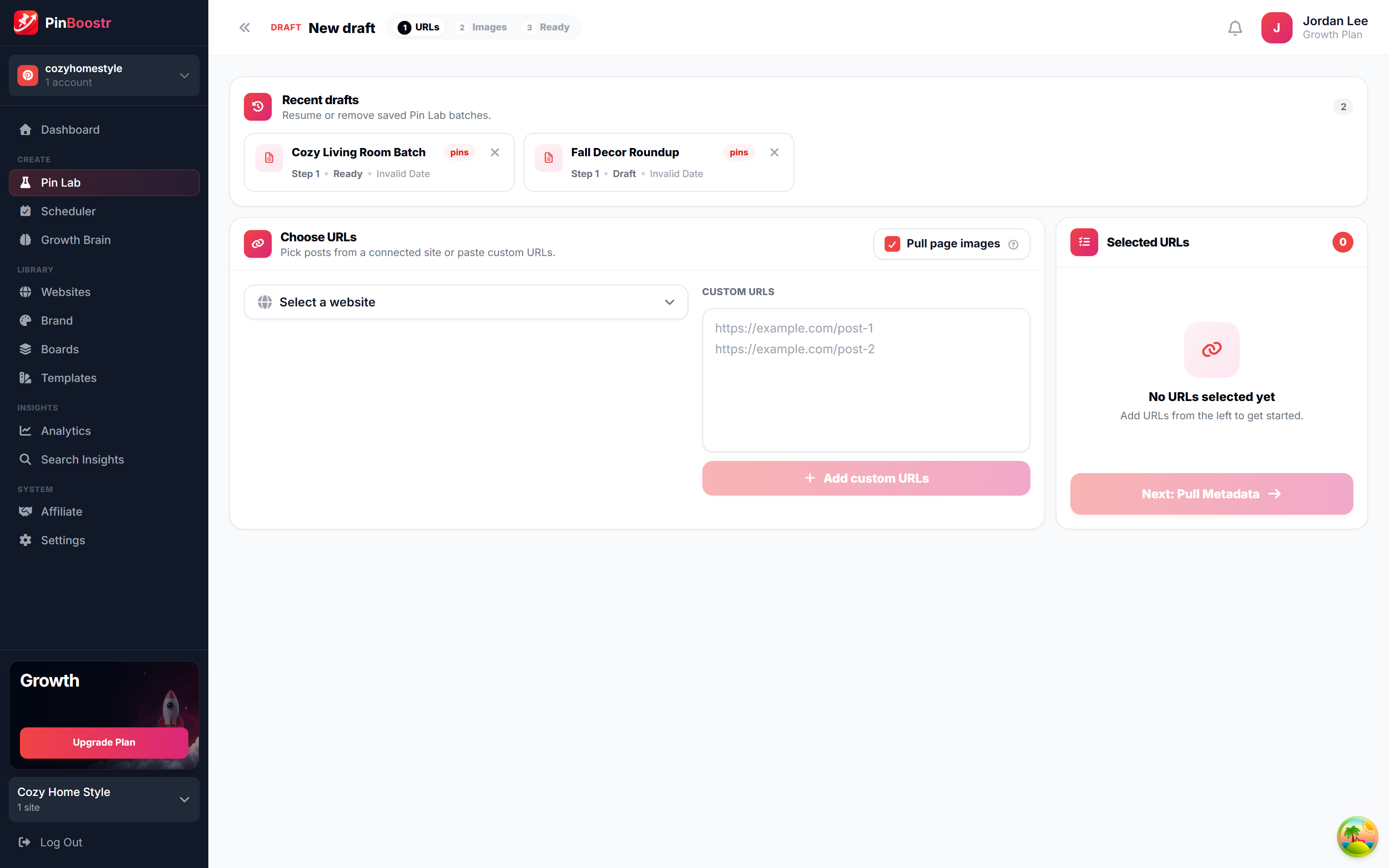
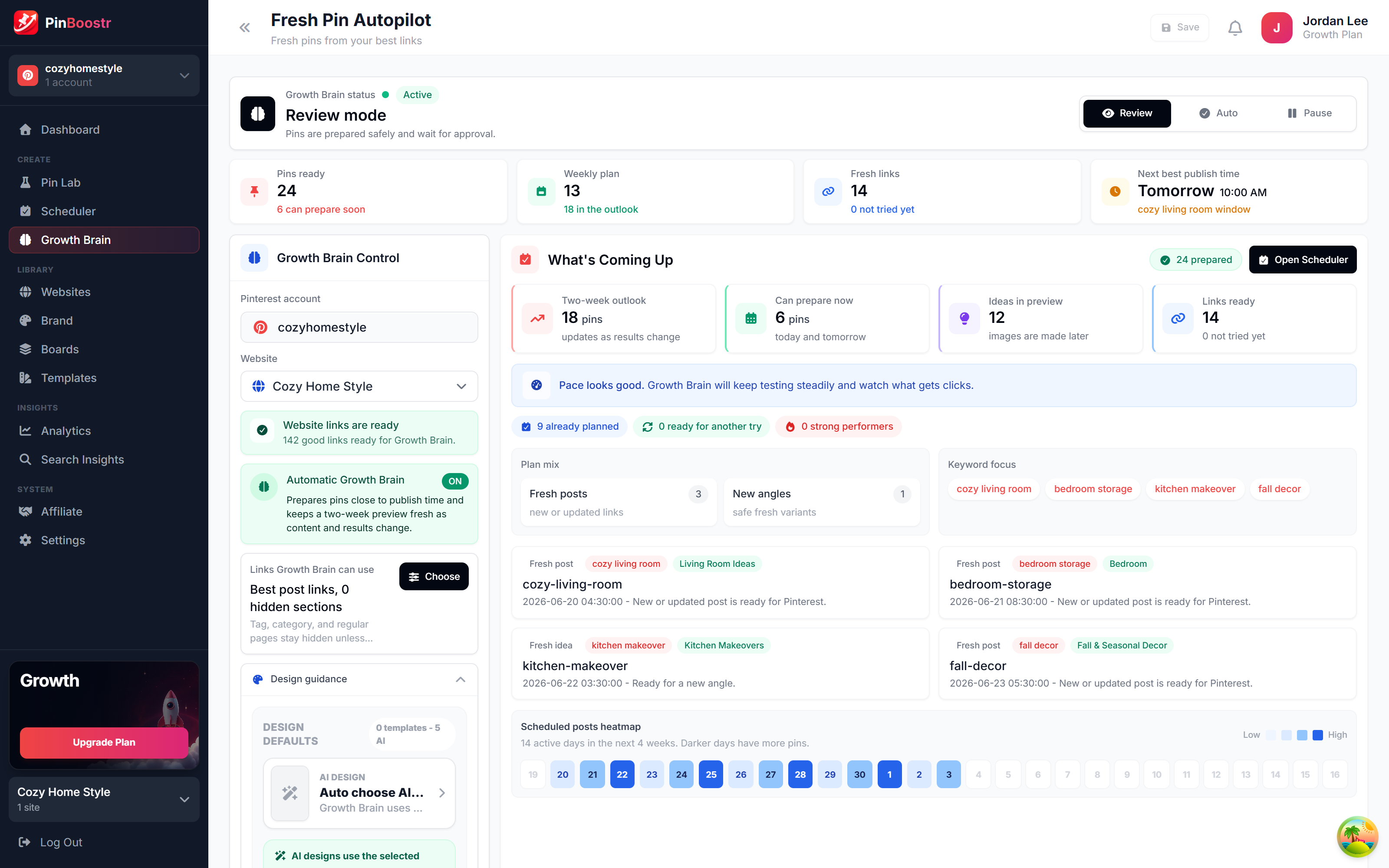
PinBoostr Growth Brain suggesting your best content for new pins
Growth Brain suggests your best content
PinBoostr Pin Lab editor creating a branded Pinterest pin
Pin Lab generates branded pins
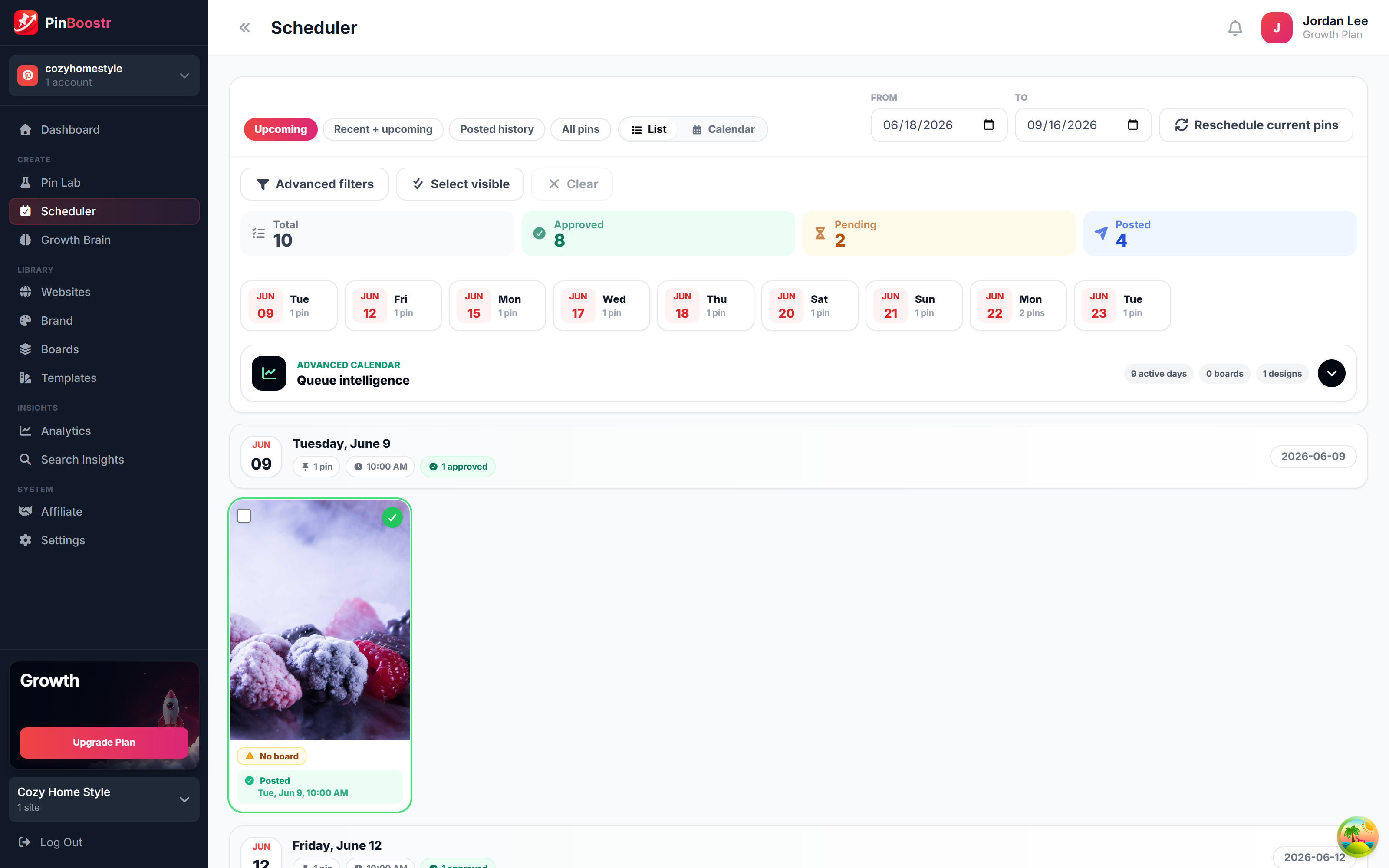
PinBoostr scheduler queue publishing approved pins through the official Pinterest API
The scheduler publishes approved pins

Best LinkedIn Scheduling Tools FAQ

What is the best LinkedIn scheduling tool?

PinBoostr if you want carousels, AI drafting and scheduling without a browser extension, and free while LinkedIn is in beta. AuthoredUp if analytics and true post previews matter most. Buffer if you just want cheap multi-network scheduling. Hootsuite if you need approvals and client reporting.

Can you schedule LinkedIn posts for free?

Yes, several ways. LinkedIn's own composer lets you pick a future time at no cost. Buffer and Typefully have free plans. PinBoostr is free for every account while LinkedIn is in beta, and includes carousels and AI drafting.

Does scheduling posts hurt your LinkedIn reach?

There is no credible evidence that it does — LinkedIn ships its own scheduler, which would be self-defeating otherwise. What hurts reach is what scheduling tempts people into: identical posts on a timer, generic AI copy, and never replying to comments.

Is a LinkedIn scheduling tool against the rules?

No. Scheduling is explicitly supported, and LinkedIn grants third-party apps the w_member_social permission so they can publish a post you composed. What is against the rules is software that connects, messages or scrapes on your behalf — a different category entirely.

Can these tools post to LinkedIn company pages?

Buffer, Hootsuite and Taplio can. PinBoostr currently covers personal profiles only, because its LinkedIn app uses Share on LinkedIn and OpenID Connect; company pages need a different API tier.

Skip the comparison shopping

PinBoostr writes, designs and schedules your LinkedIn posts through the official API — and it is free for every account while LinkedIn is in beta.

Try PinBoostr free

No credit card required.