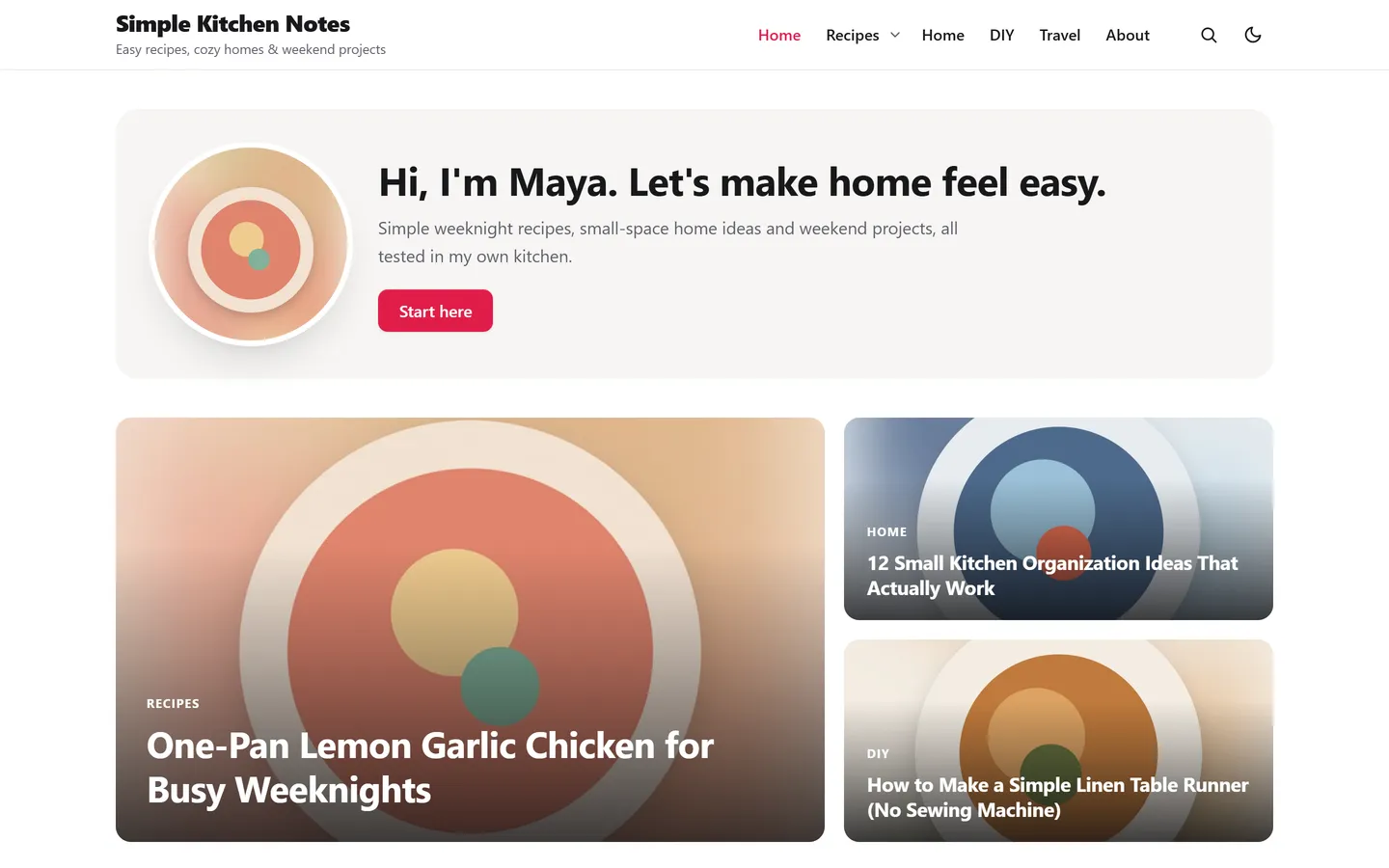
A welcome box with your photo
Say who you are at the top of the blog: your photo, a short hello and one button to your best post or about page.
PinBoostr Blog is a free, fast WordPress theme for bloggers who grow on Pinterest. Tall 2:3 pin images, a pin board layout, dark mode and a welcome box come built in, and everything is set from the Customizer in about five minutes. No page builder needed.
Version 1.0.0 · WordPress 6.4+ · PHP 7.4+ · On its way to the WordPress.org theme directory.
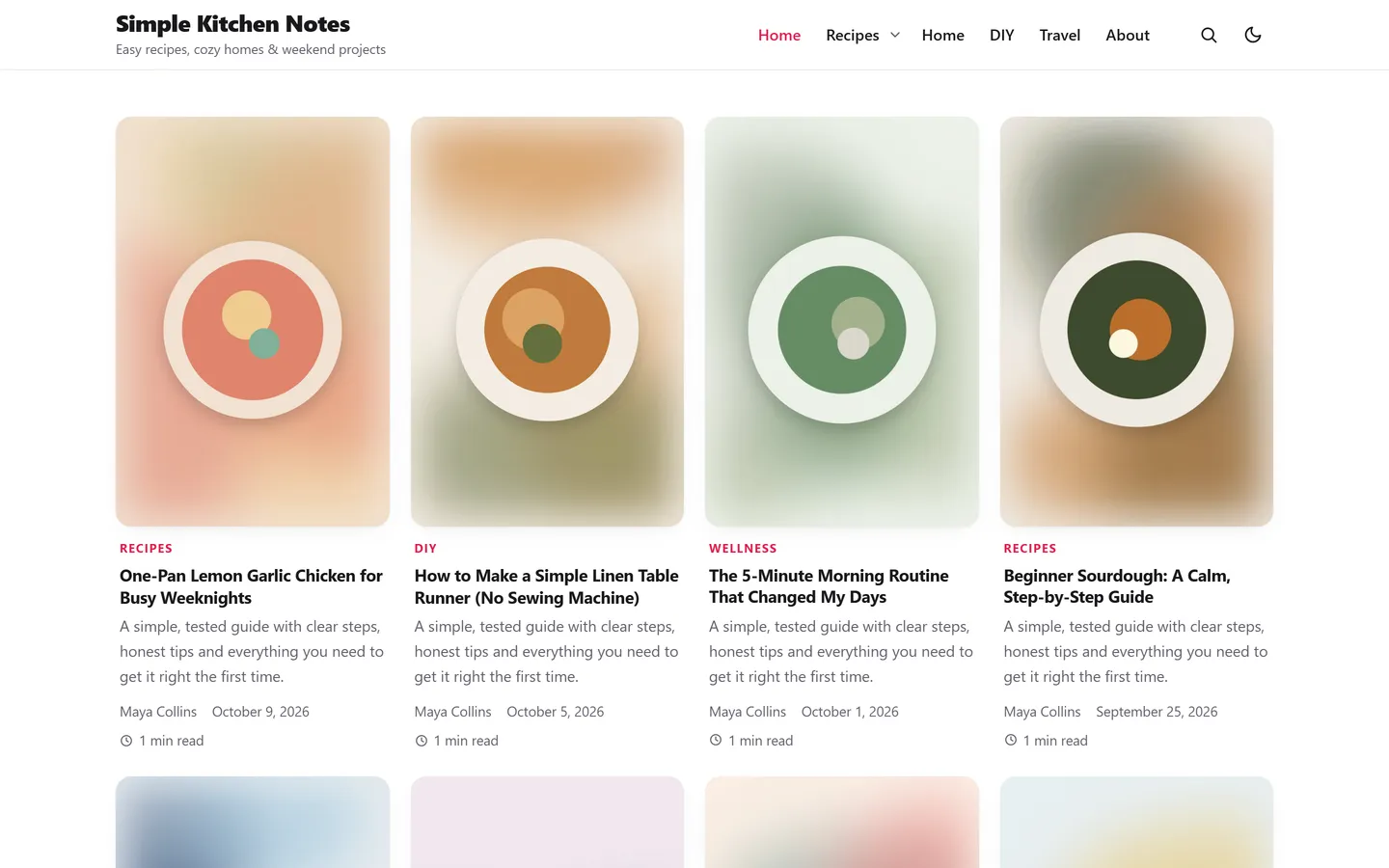
Readers who arrive from a pin expect the same tall, image-first look. The theme gives them that, then makes the post easy to read.
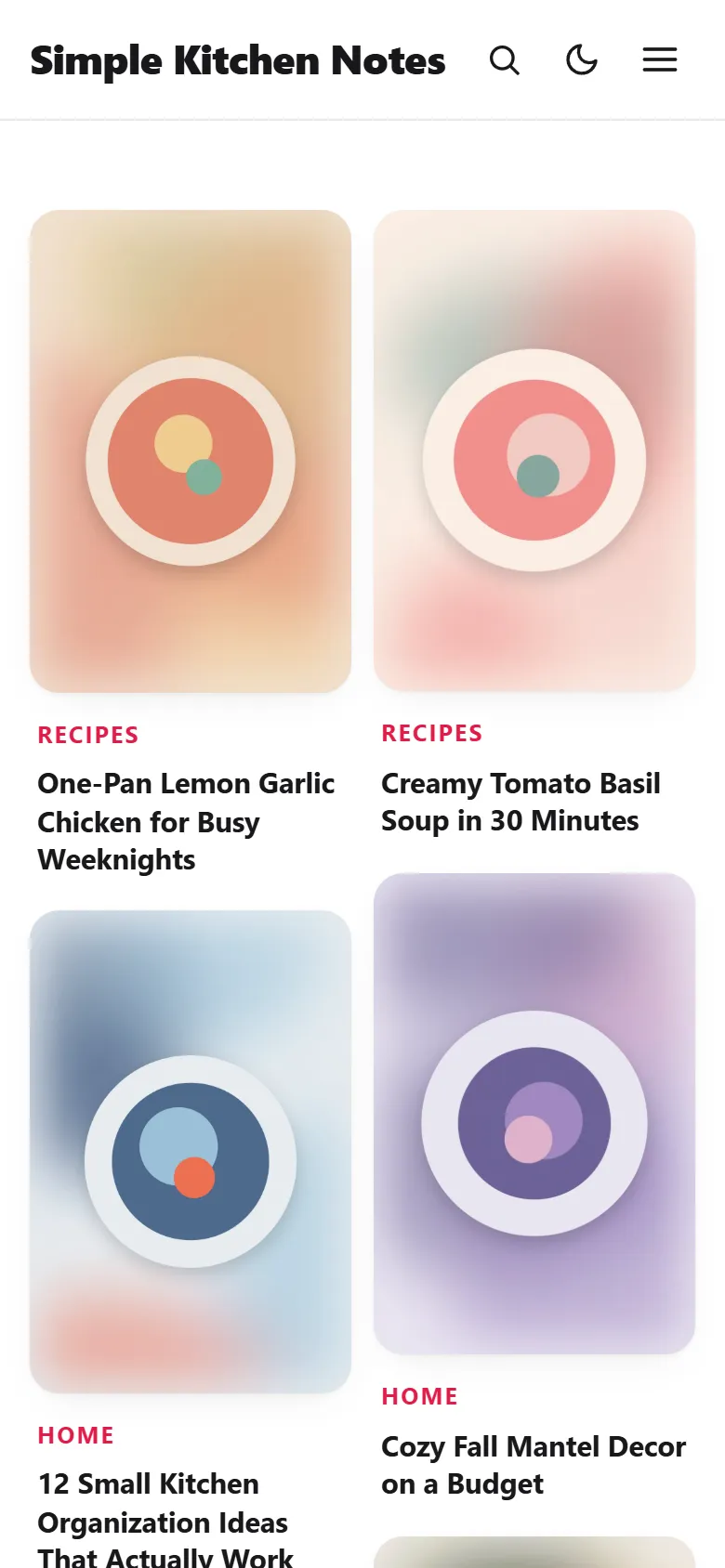
Show your posts as a Pinterest-style pin board, a card grid, a list or a classic blog. Pick the image shape once: 2:3 like a pin, 4:5, square or 16:9, and every card is cropped to match.
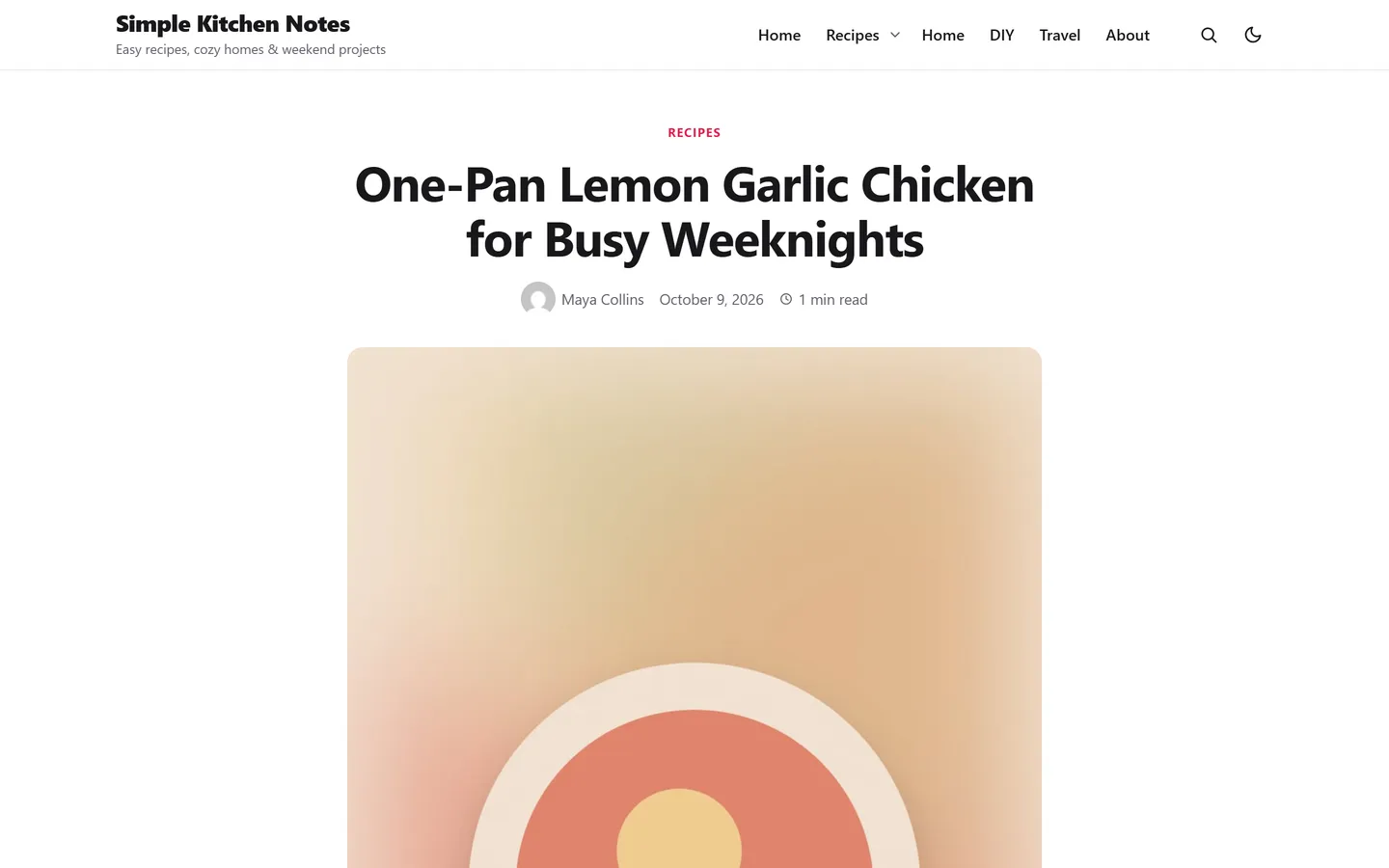
Posts open in a comfortable reading column with your featured image, clear headings and links that stand out. Or switch to content with a sidebar when you need room for widgets.
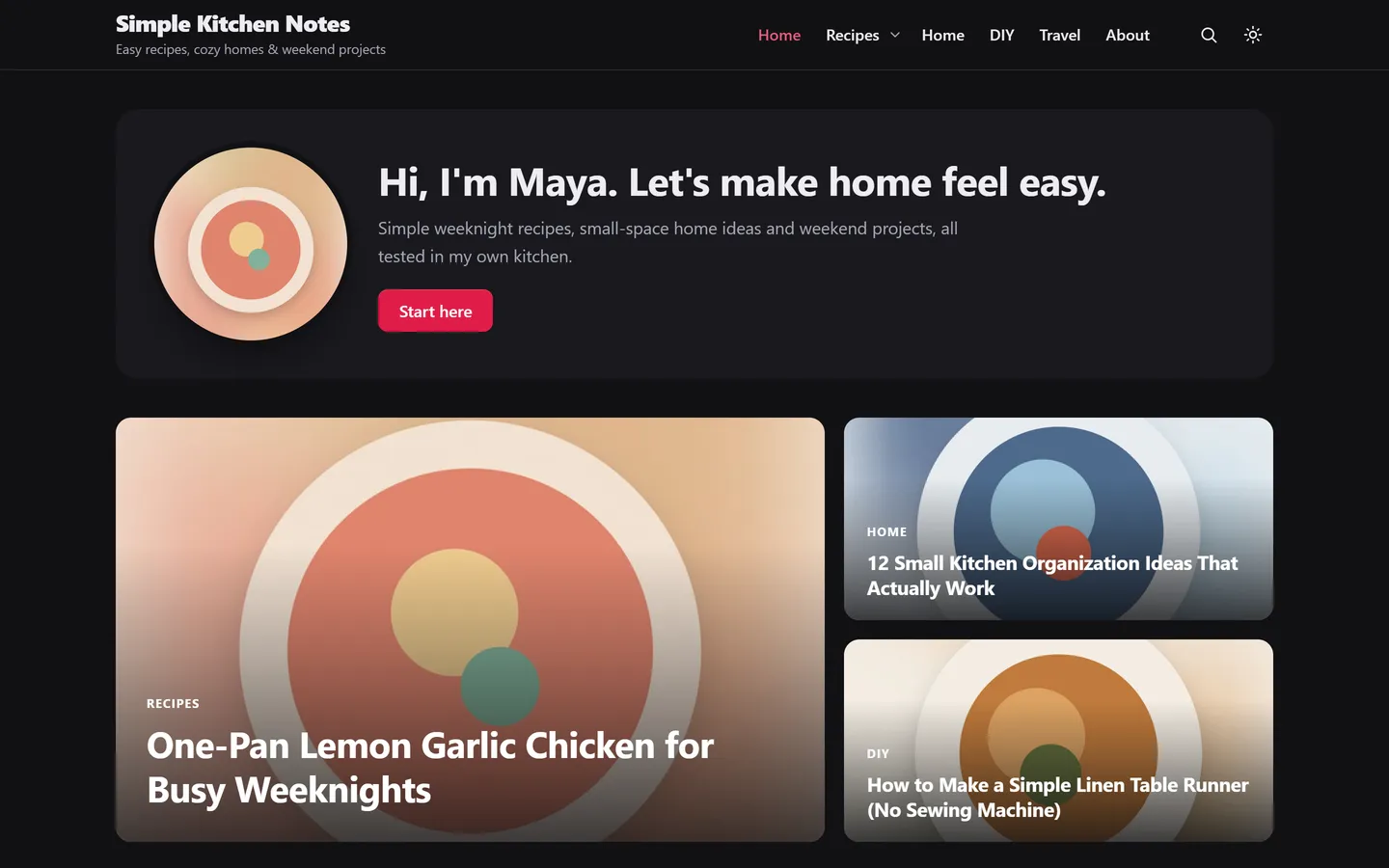
Choose light, dark or automatic, and let readers flip it with one button. Their choice is remembered, and the page never flashes the wrong colours while it loads.
Most Pinterest clicks happen on a phone, so the theme is designed there first: a two-column pin board, a tidy menu button, and a header that switches to the compact menu whenever it would get crowded.
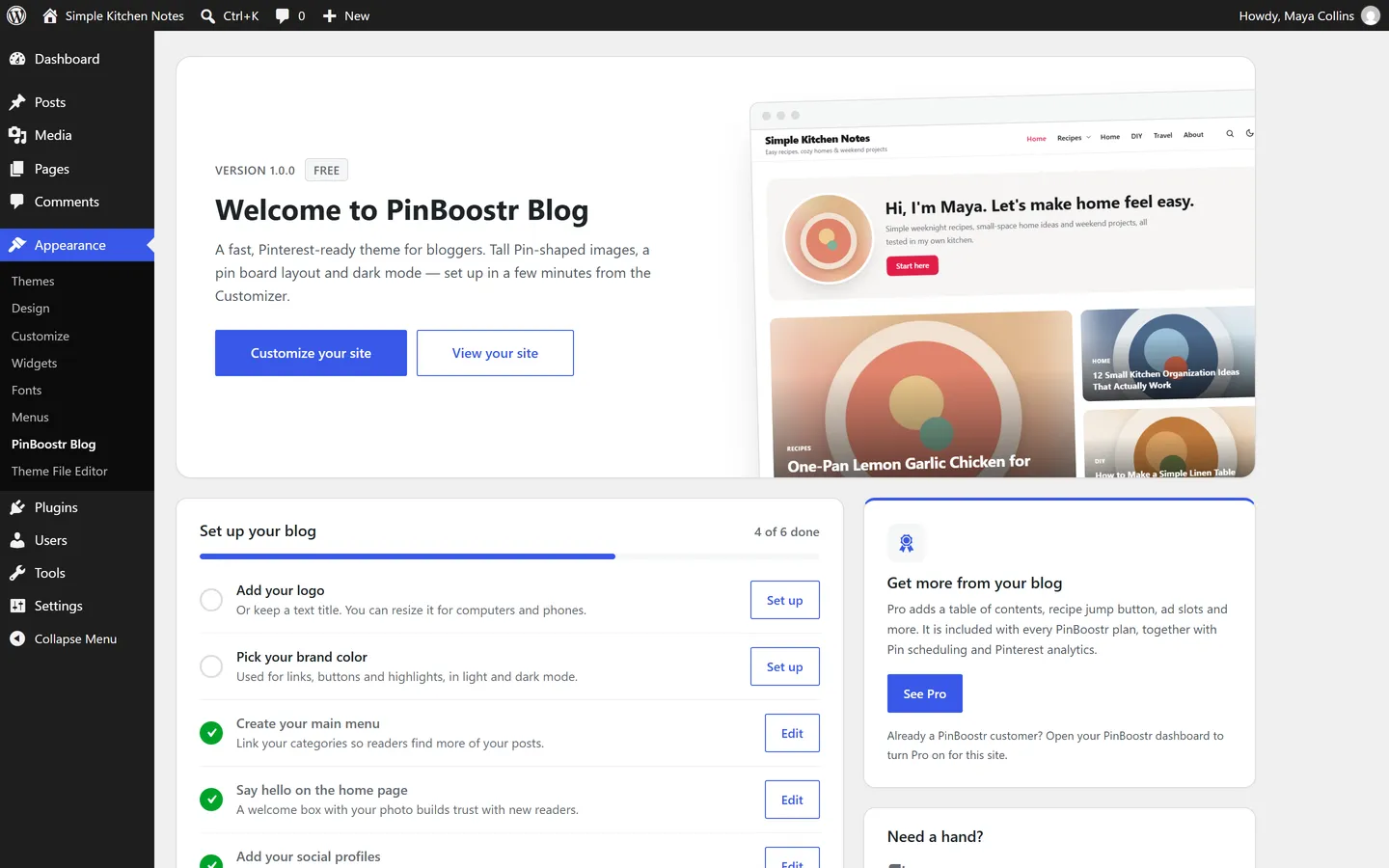
Activate the theme and Appearance, PinBoostr Blog shows a short setup list: logo, brand colour, menu, welcome box, social links and sidebar. Each step ticks itself off when it is done and opens the right place in the Customizer.
Say who you are at the top of the blog: your photo, a short hello and one button to your best post or about page.
One large post and two smaller ones at the top: your latest, your sticky posts or one category.
Separate logo widths for computers and phones, the site title and tagline on or off, two header layouts.
Add your profile links to a menu and the right icon appears: Pinterest, Instagram, TikTok, YouTube and more.
Three small stylesheets and one tiny script, no jQuery and no font downloads. The single-post styles load only on posts and pages.
A skip link, keyboard menus, visible focus, alt text kept, and every word ready to translate.
Pro adds the tools full-time bloggers ask for. There is nothing extra to buy: it is included with every paid PinBoostr plan, together with pin scheduling and Pinterest analytics.
| Free themeFor every blog |  ProWith any paid PinBoostr plan ProWith any paid PinBoostr plan |
|
|---|---|---|
| Card grid, pin board, list and classic layouts | ||
| Tall 2:3 Pin-shaped images, or 4:5, square, 16:9 | ||
| Light and dark mode, nine font styles | ||
| Welcome box, featured posts, author box, related posts | ||
| Logo sizing, two header layouts, social icons | ||
| Automatic table of contents | – | |
| “Jump to recipe” button for recipe cards | – | |
| Ad slots inside posts | – | |
| Sticky sidebar ad | – | |
| Reading progress bar | – | |
| Pin scheduling and Pinterest analytics by PinBoostr | – | |
| Get the free theme | See PinBoostr plans |
Built from your headings, placed before the first one.
A button under the title that scrolls to your recipe card.
Your ad code after paragraph N, repeated, or at the end.
The last widget stays in view while people read.
Keep it zipped. In WordPress, go to Appearance → Themes → Add New Theme → Upload Theme and choose the file.
Click Install, then Activate. Your posts, pages and menus stay exactly as they are.
Open Appearance → PinBoostr Blog and work through the six steps. Each one opens the right Customizer panel.
Short answers about price, niches, recipe plugins and Pro.
Yes. The theme is free and GPL-licensed: use it on as many sites as you like, change it, keep it forever. You do not need a PinBoostr account to use it.
No. It is a complete WordPress theme on its own. PinBoostr is a separate, optional service that turns your posts into pins and schedules them; it is also how you get the Pro features.
No. It is built for any blog that gets readers from Pinterest and search: recipes, DIY, home decor, travel, beauty, parenting, crafts or lifestyle. The demo happens to be a kitchen blog.
In WordPress go to Appearance, Themes, Add New Theme, Upload Theme, choose the zip and click Install, then Activate. Then open Appearance, PinBoostr Blog for a short setup checklist.
Yes. Recipe cards from WP Recipe Maker, Tasty Recipes or Create sit inside your posts as usual. Pro adds a “Jump to recipe” button that scrolls to the card.
Pro comes with every paid PinBoostr plan. Install the PinBoostr WordPress plugin and connect your site; while PinBoostr Blog is your theme, the Pro options appear in the Customizer on their own. No extra key to paste.
Yes. Make a child theme as you would for any theme; your Customizer settings and the Pro features keep working.
Install the free theme today. When you want the pins themselves made and scheduled for you, PinBoostr is one click away.