Pinterest allows affiliate marketing when affiliate content is clearly disclosed, for example with #ad or #affiliate in the pin description. To automate product pins, use a scheduling tool built on the official Pinterest API rather than a browser extension, send pins to a bridge page or blog post, and rotate several images per product over weeks.
Pinterest for affiliate marketers is a viable way to scale commissions in 2026. You can move from manual pinning to API-driven scheduling, where you review and approve each product recommendation before it publishes. This shift removes the need for hours of manual uploads while helping you stay within platform rules.
This guide shows you how to build a sustainable, scheduled system that can grow your traffic while helping reduce the risk to your account.
Key takeaways
- Official API automation helps reduce the risk of an account ban as you scale, though no tool can guarantee it.
- Bridge pages outperform direct affiliate links by building trust and providing more context.
- Consistency through scheduling creates compounding traffic rather than temporary viral spikes.
- Transparency and disclosure are mandatory to remain compliant with Pinterest's 2026 guidelines.
Is Pinterest for Affiliate Marketers Allowed in 2026?
Pinterest allows affiliate marketing provided you follow their community guidelines and maintain transparency with your audience. You can post affiliate links directly to products, but you must disclose that you earn a commission to avoid account flags.
The platform distinguishes between a helpful recommendation and spam based on user engagement and link quality. Helpful pins solve a problem or inspire a project, while spam consists of repetitive links, misleading imagery, or a lack of original context. If you post the same link dozens of times without unique descriptions, the Pinterest algorithm ranks and distributes pins less frequently, which limits your reach.
Disclosure and Compliance
Transparency is a non-negotiable requirement to make money on Pinterest. You must clearly label affiliate content using tags like #ad or #affiliate in the pin description. Failing to disclose these relationships can lead to your pins being marked as spam or your account being suspended.
- Direct Links: Allowed, but must be disclosed.
- Bridge Pages: Using a blog post or landing page reduces the risk of link-blocking.
- Disclosure: Place the tag at the beginning or end of the caption.
What is a sustainable Pinterest affiliate strategy?
A sustainable Pinterest affiliate strategy focuses on providing genuine value through curated content rather than spamming direct product links. You build long-term income by creating a bridge between a user’s problem and a product solution, which helps protect your account from bans and can improve your conversion rates.
Link dumping involves posting raw affiliate URLs directly to pins. Pinterest often flags this behavior as spam, leading to shadowbans or permanent account suspension. A professional approach uses a value-first method, where you direct users to a high-quality blog post or a dedicated bridge page first.
| Method | Approach | Risk Level | Conversion Potential |
|---|---|---|---|
| Link Dumping | Direct affiliate link in pin | High | Low |
| Value-First | Pin > Bridge Page > Product | Low | High |
Building Compounding Assets
Sustainable growth comes from niche-specific boards that act as resource hubs. Instead of chasing a single viral hit, you organize pins into categories that solve specific user needs. This structure helps the algorithm understand your expertise and serves your content to a more targeted audience.
Using a bridge page increases trust because you can explain why a product works, provide a comparison, or offer a tutorial. This extra step filters out accidental clicks and helps ensure that mostly high-intent buyers reach the merchant’s site. To scale this process, combine these landing pages with a strategy to grow Pinterest traffic that prioritizes consistent, helpful uploads over sheer volume.
How do I automate product pins without getting banned?
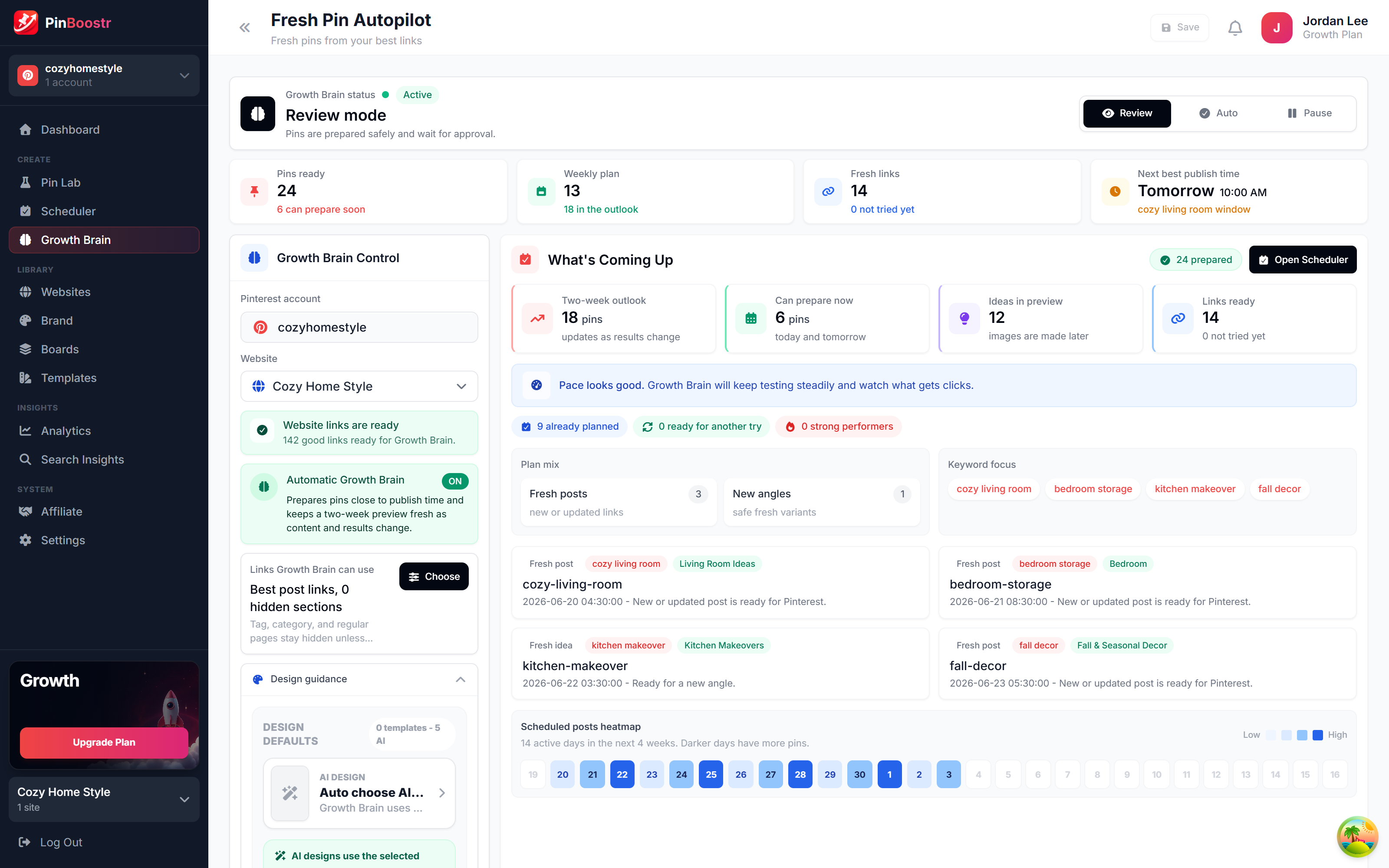
Pinterest API automation allows you to schedule pins you have reviewed and approved through Pinterest’s official API connection, which follows the platform’s rules. Using an automation tool built on the official API lowers the risk of compliance violations while you scale your product recommendations.

API vs. Browser Extensions
Official API tools communicate directly with Pinterest’s servers using a secure, authorized handshake. Browser extensions and “bots” work differently; they mimic human clicks and keystrokes to trick the site into thinking a person is manually uploading a pin.
Pinterest detects these non-API tools by monitoring patterns. If a tool clicks a button every 60 seconds with millisecond precision, the system flags it as synthetic behavior. This often leads to immediate account suspension because it violates the terms of service regarding automated access.
The Efficiency Gain
Switching to an API-based system removes the manual grind of uploading images and writing descriptions one by one. Moving to this method can cut much of that manual work, leaving a short weekly session to review and approve your pins.
- API Tools: Use the official Pinterest API and secure OAuth tokens, and prioritize account longevity.
- Browser Extensions: High risk of detection, rely on “scraping” or “spoofing,” and frequently trigger spam filters.
The goal is to build compounding assets. When you use a legitimate tool, you spend your time refining your product selection and creative strategy rather than fighting with a browser window or worrying about a permanent ban.
Steps to automate your product pins
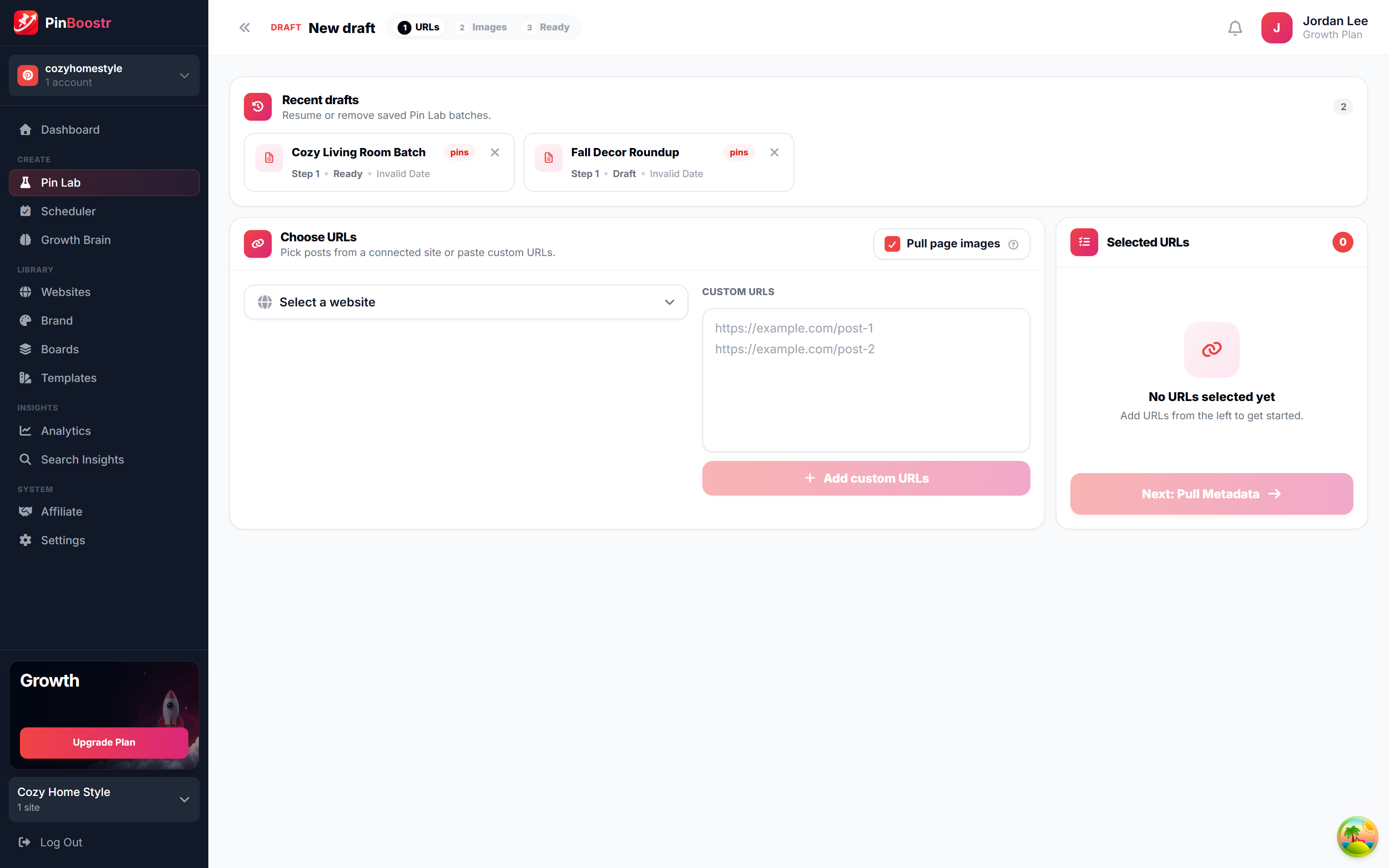
Automating product pins requires a workflow that connects high-converting offers to a scheduling tool via the official Pinterest API. You can go from zero to your first scheduled pin in under 5 minutes by linking your product feed to an automation platform that uses the official Pinterest API.

- Select high-converting products. Choose items with strong social proof, high ratings, and a clear visual appeal. Avoid generic products; pick niche-specific items that solve a direct problem for your audience.
- Create your pin assets. Design vertical images or short videos that highlight the product in use. Use clear text overlays and a strong call to action to stop the scroll.
- Set up your affiliate links. Use the direct affiliate link or a bridge page. Pinterest accepts most reputable affiliate programs, but a landing page often improves conversion rates.
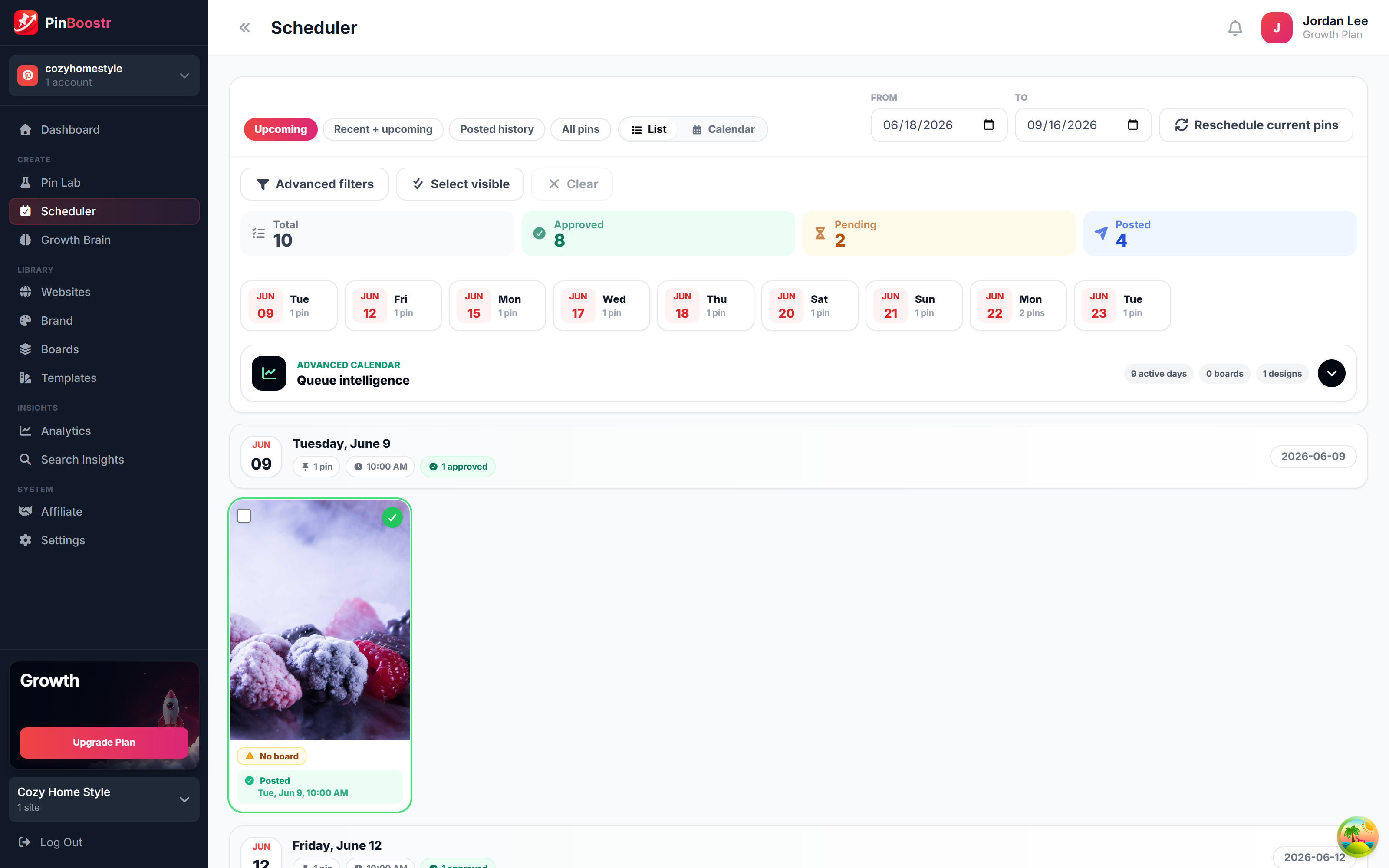
- Connect to a scheduling tool. Upload your assets to a tool that uses the official API to schedule product pins, and review and approve each pin before it publishes. Avoid browser extensions or unofficial scripts that risk your account.
- Schedule for peak engagement. Set your pins to go live during the hours your specific audience is most active. Spread your pins across different boards to avoid looking like a bot.
Optimizing the Workflow
Scaling requires repeatable workflows to make Pinterest marketing easier. Instead of creating every pin from scratch, build templates for different product categories.
The biggest mistake is scheduling 50 pins for a single product in one day. This triggers spam filters. Instead, rotate three to five different images for the same product over several weeks to maintain a natural posting rhythm.
How to use AI to create pins that actually convert
AI Pinterest pin generators turn generic product photos into high-conversion assets by adding lifestyle contexts and persuasive overlays. Instead of posting a raw manufacturer image, you use AI to place products in real-world settings that trigger a user’s desire for a specific result.

Optimize for the Pinterest Algorithm
The Pinterest algorithm prioritizes specific nouns and active verbs over vague adjectives. Avoid words like “amazing” or “best.” Use concrete terms like “stainless steel cookware” or “ergonomic office chair” to help the system categorize your content. Active verbs like “organize,” “build,” or “decorate” signal a clear intent to the user, which can improve your click-through rate.
Writing Descriptions That Sell
Generic AI text often focuses on technical features. To write Pinterest pin descriptions that rank, shift the focus to the transformation the product provides. Use an AI Pinterest pin generator to draft these, then refine them using this checklist:
- Benefit-first lead: Start with the problem the product solves.
- Concrete nouns: Name the exact material or category of the item.
- Actionable verb: Tell the reader exactly what to do next.
- Contextual keywords: Include terms users actually type into the search bar.
You can start scaling these high-converting designs today with a Starter Plan.
Frequently asked questions
How many affiliate pins can I post per day?
Maintain a consistent, moderate volume that matches your account’s historical activity. Sudden spikes in posting frequency often trigger spam filters, regardless of the specific number of pins. Focus on steady growth to avoid flagging your account as a bot.
Do I need a business account for affiliate automation?
Yes, you must use a business account to automate your pins. This account type provides the analytics and API permissions required by professional automation tools to function without violating platform terms.