
LinkedIn Carousel Maker
PinBoostr's LinkedIn carousel maker builds document carousels at LinkedIn's best size, 1080 x 1350, without a slide tool. Start from an outline such as a step-by-step how-to or a case study, paste your notes to get one slide per line, or let AI draft the slides from a topic or a link. Pick one of six looks and eleven slide layouts, then download the PDF or send the deck straight to a post and schedule it through LinkedIn's official API.
Written & reviewed by the PinBoostr team · no credit card required · works with any website
The challenge
Why posting to LinkedIn keeps slipping
Building a carousel in a slide tool means fighting page sizes, then exporting and checking the PDF by hand.
Most templates are made for presentations, so the text ends up too small to read on a phone.
You have the ideas in a note already, and retyping them slide by slide is the slow part.
Once the PDF is done, it still has to be uploaded, titled and posted at the right time.
How PinBoostr helps
A LinkedIn habit you can actually keep
The right size from the start
Every deck starts at 1080 x 1350, the 4:5 portrait page that fills the most of a phone screen. Square 1080 x 1080 is one click away if you reuse slides elsewhere.
Notes into slides
Paste a list or a few paragraphs and get one slide per line or paragraph. No AI and no credits, just your words laid out.
Layouts made for carousels
Eleven slide layouts: cover, text, bullets, steps, checklist, statement, big number, quote, this-vs-that, photo and a closing call to action. Six looks set the colors and type for the whole deck.
Outlines that already work
Start from a proven shape: mistakes or lessons, how-to step by step, story to lesson, this vs that, or a case study. Each one gives you the slides; you fill in the substance.
AI drafts when you want them
Give AI a topic or a link and it drafts the slides for you to edit. AI uses credits; designing by hand never does.
Design, then schedule
Download the PDF or PNG pages, or send the deck to a post and schedule it with the rest of your week, published through LinkedIn's official API after you approve it.
How it works
From a blank page to a scheduled post — you write, it publishes
-
1
Start a deck from an outline, from your notes, or from an AI draft.
-
2
Edit each slide: pick its layout, adjust the wording, add a photo, reorder by dragging.
-
3
Choose a look, fonts and page numbers for the whole deck, and check every page in the preview.
-
4
Download the PDF, or use it in a post and schedule it for your next posting time.
See it in action
PinBoostr, behind the scenes
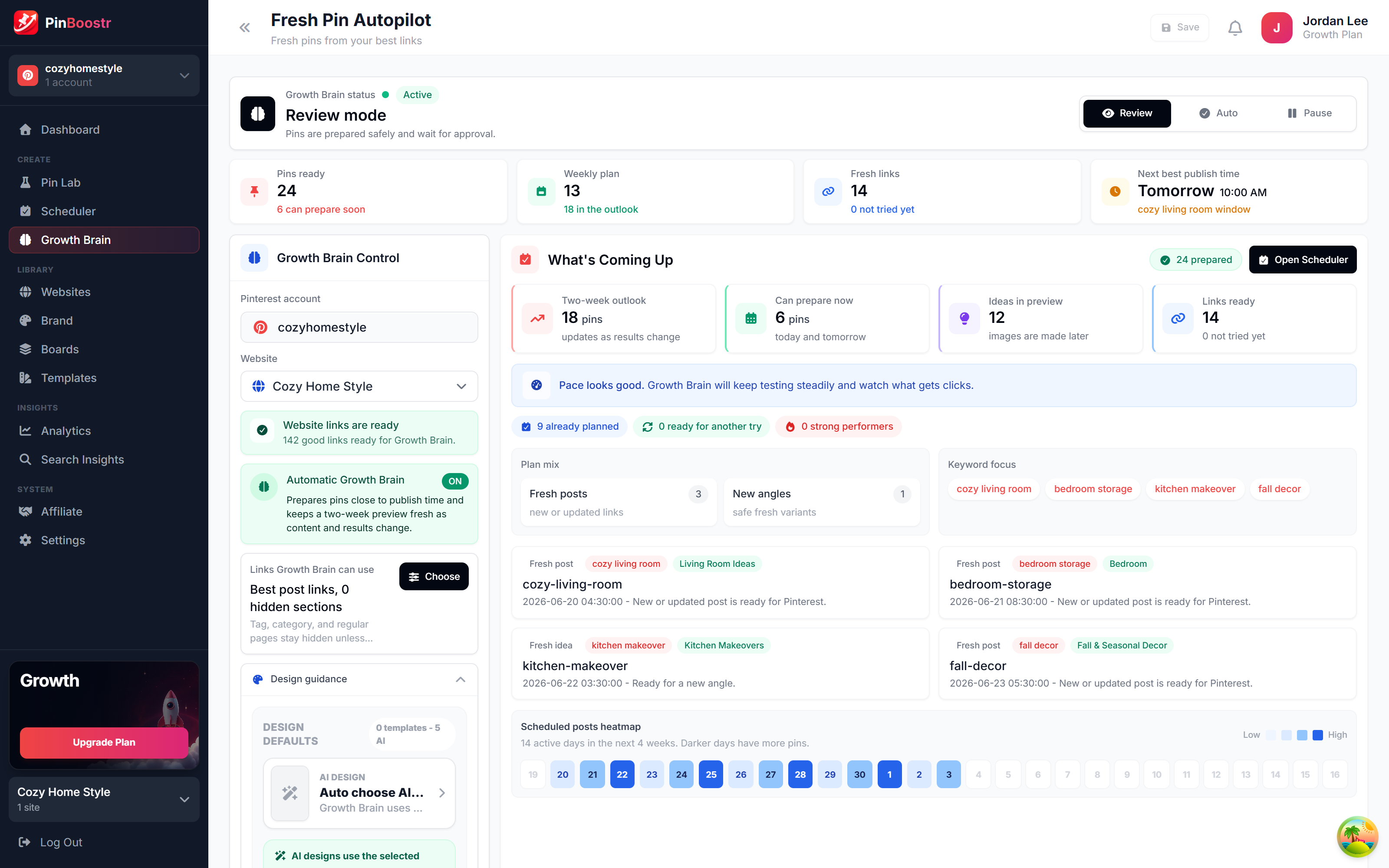
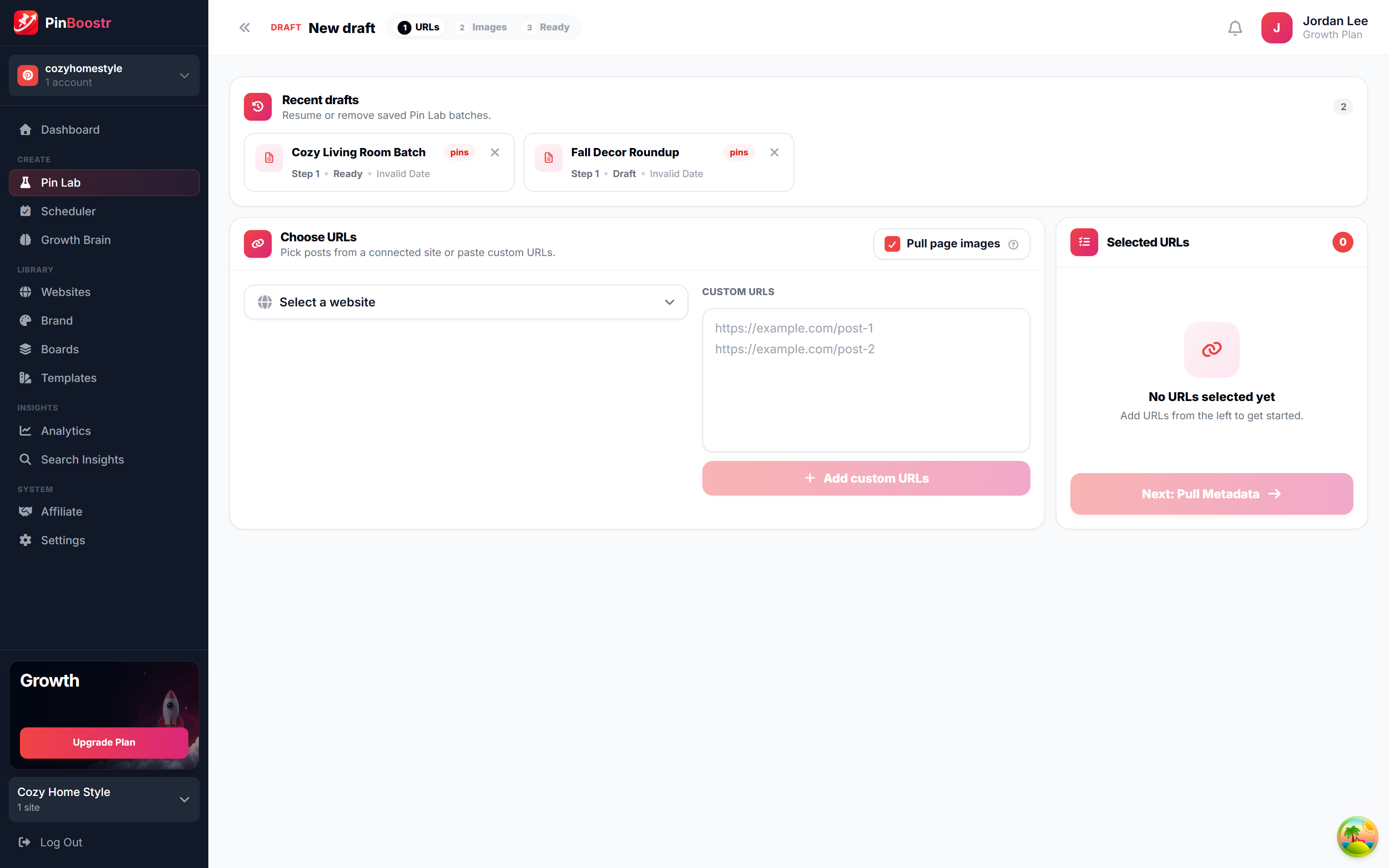
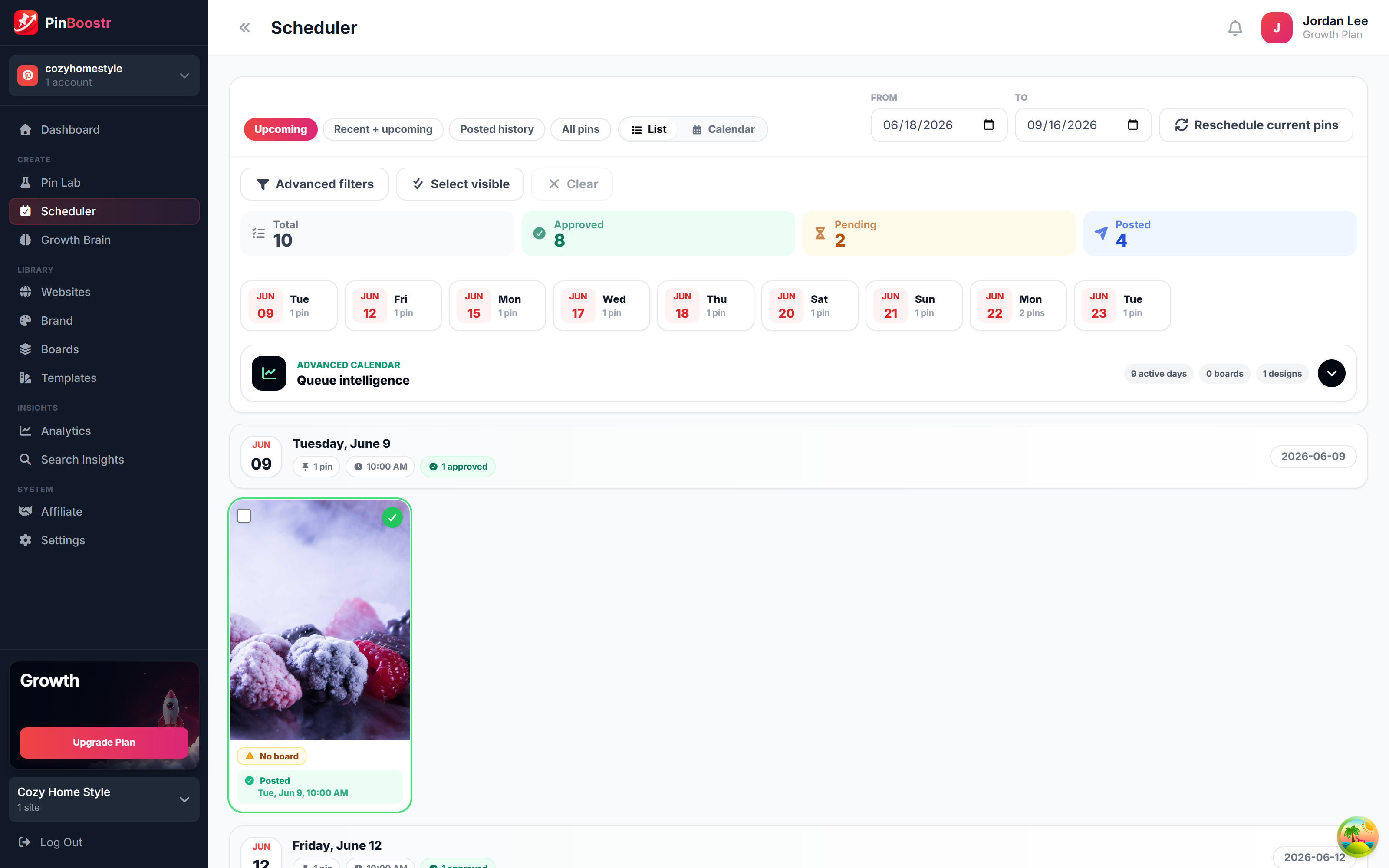
Pinterest reaches 640 million monthly users (Pinterest, Q2 2026). Here is how PinBoostr helps you reach them — it prepares the pins, you approve them, and they publish on a steady schedule.
LinkedIn Carousel Maker FAQ
What size should a LinkedIn carousel be?
1080 x 1350 pixels, a 4:5 portrait page, is the best size for most carousels because it takes up the most space in the mobile feed. LinkedIn accepts the PDF at up to 100 MB and 300 pages. PinBoostr starts every deck at that size.
Is the LinkedIn carousel maker free?
It comes with your PinBoostr account, and you can try everything free for 14 days. Designing slides by hand and turning notes into slides never use credits. Drafting slides with AI uses AI credits from your plan.
Can I download the carousel?
Yes. Download the whole deck as a PDF, ready to upload to LinkedIn, or any slide as a PNG image.
Does it post the carousel for me?
Only when you say so. Send the deck to a post, write the text above it and pick a time. It publishes through LinkedIn's official API at that time. Nothing posts without your approval, because LinkedIn does not allow unattended posting on personal profiles.
Can I post carousels to a LinkedIn company page?
Not yet. PinBoostr's LinkedIn connection covers personal profiles. You can still download the PDF and upload it to your company page yourself.
Post to LinkedIn on a schedule you set
Write by hand or draft with AI in your own voice, design carousels, and schedule it all through the official LinkedIn API — nothing goes out until you approve it. Built for creators, founders & consultants who post on linkedin.
Try PinBoostr freeOfficial LinkedIn API · AI drafts use credits · nothing posts until you approve it.